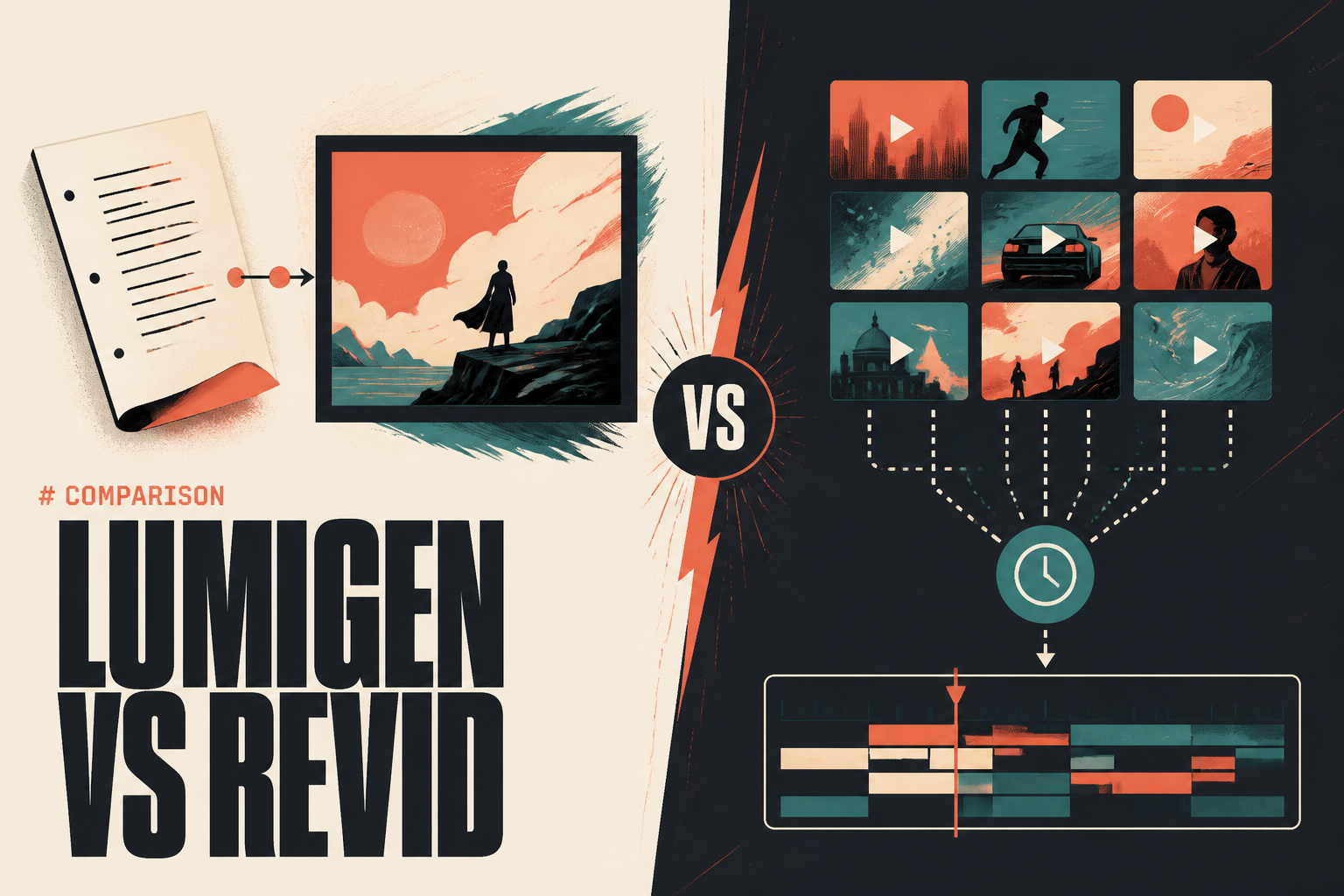
Lumigen and Revid both turn a script into a finished video without a camera or an editor, but they solve different halves of the problem. Lumigen generates original footage from your script and routes to frontier video models, so the output looks made, not assembled. Revid automates the faceless pipeline - script, voiceover, captions, and scheduled auto-posting from a viral-remix library - so a channel runs nearly hands-off. If your bottleneck is output quality and originality, Lumigen wins. If it is posting consistency on autopilot, Revid wins. This comparison breaks down both across output, features, automation, models, and price, with current pricing from each tool's own page, so you can pick the one that matches your actual job.
OpenAI shut the Sora consumer app on April 26, 2026, and the Sora 2 API closes September 24, 2026. Treat Veo 3.1 and Kling 3.0 as the forward-looking defaults for from-scratch generation. See Sora 2 vs Veo 3.1 vs Runway vs Kling for the migration breakdown.
Lumigen vs Revid at a glance
Pricing is each tool's lowest paid tier as of June 2026. "Original generation" means the tool creates footage that never existed from a prompt, versus assembling or remixing existing clips. Use this as the fast read, then go dimension by dimension below.
| Dimension | Lumigen | Revid |
|---|---|---|
| Core approach | Original generation from script | Remix + automate faceless shorts |
| Starting price | $33/mo (Starter) | $29/mo (Starter) |
| Output origin | Generated (frontier models) | Remixed stock/viral library |
| Frontier models | Yes (Veo 3.1, Kling 3.0, Sora 2 Pro on Ultra) | No |
| AI avatars | 50+ with lip-sync correction | Talking avatar, face swap, cartoon |
| Scheduled auto-posting | No (publish from app) | Yes (one-click + Auto-Mode Workers) |
| Free plan | Trial credits, no permanent free | Yes (limited) |
| Developer API | Limited | API, MCP, CLI |
The table makes the split obvious. Revid is built around automation and a remix library; Lumigen is built around original generation and model quality. Neither is strictly better - they are pointed at different bottlenecks, and the right pick depends on which one is yours.
Output: original generation vs remixed clips
This is the single biggest difference, and it decides most switches. Lumigen generates footage that did not exist before from your prompt, scene by scene. Revid's headline asset is a multi-million-clip viral-remix library - performance-verified reference footage pulled from top TikTok and YouTube content. That library is genuinely smart for speed, and it is also a hard ceiling: every Revid user assembles from the same shelf, so two channels in the same niche end up looking alike.
For a brand-new faceless channel, the remix look is fine - novelty carries it. The problem shows up at scale. Once your niche fills up and you compete on retention rather than freshness, "looks like every other faceless channel" becomes a distribution problem, not a style preference. Original generation is the fix, because the footage is built for your specific video. If your honest complaint about any remix tool is the recycled look, only a generator solves it.
Features and workflow
Both cover the faceless basics: script generation, AI voiceover, auto-captions, and vertical export. The depth diverges past that. Revid leans into avatar variety - a talking avatar, AI face swap, cartoon avatars, an AI movie maker, and even an AI music generator - plus its remix engine. Lumigen leans into a full original-video stack: AI avatars with lip-sync correction, voices across 30-plus languages, UGC ad creation, motion control, and image generation, all feeding one creation flow.
The practical question is whether you want breadth of automated formats (Revid) or depth of generation control (Lumigen). A creator who wants a talking cartoon avatar reading a Reddit story will find Revid's toolkit faster. A creator who wants a cinematic, original short that does not look templated will find Lumigen's stack does more of that job in one place.
Automation and publishing: Revid's real strength
Here Revid wins clearly, and it is worth being honest about. Revid's one-click publishing pushes finished videos straight to TikTok, Instagram, and YouTube, and its Auto-Mode Workers run recurring schedules so a channel can post daily with almost no touch. For a developer or operator who wants set-and-forget automation, Revid also exposes an API, an MCP server, and a CLI - genuinely the most automation-friendly tool in the faceless category.
Lumigen has no equivalent unattended daily auto-poster. You generate in the app and publish from there, but the cron-style "ship a video a day while I sleep" workflow is a Revid strength Lumigen does not match. If your single must-have is hands-off daily posting and the remixed look does not bother you, that alone can decide it in Revid's favor. For the broader faceless setup either way, see our faceless YouTube with AI guide.
Models and output quality
Quality is where Lumigen separates. On the Ultra tier, Lumigen routes to frontier video models - Veo 3.1, Kling 3.0, and Sora 2 Pro until its September 2026 sunset, plus SeeDance 2 and Happy Horse 1.0. Revid and most automation-first tools are locked to proprietary or older engines, which is fine for a fifteen-second hook and starts to show seams in longer formats and close-ups, exactly where retention is won or lost.
If your channel is moving past the hobby stage and competing on per-shot fidelity, frontier-model access is the deciding capability. Lumigen lets you pick the current best model per shot; Revid optimizes for shipping volume fast, a deliberate trade against fidelity that is invisible at fifteen seconds and obvious at sixty.
Pricing and value
The entry prices are close - Lumigen Starter at $33/mo, Revid Starter at $29/mo - but they buy different things. Per Revid's pricing page, Starter is roughly ten video exports a month capped at five minutes each, and Pro jumps to $59/mo for about thirty exports up to ten minutes. That export cap bites fast for a multi-channel operator. Revid also offers a limited free plan, which Lumigen does not.
Lumigen prices per credit with the cost shown before you generate, and the frontier models live on the Ultra tier at $166/mo. On Starter ($33/mo) you get image generation and script tools; standard video models arrive on Growth ($58/mo); frontier output is Ultra. See pricing for the credit math. The honest read: Revid is cheaper to start and free to test, while Lumigen costs more for the tier that unlocks its best output.
Verdict: which should you pick?
Pick Lumigen if your problem is output - you want original generated footage instead of remixed clips, frontier-model quality, and a deep avatar-plus-script workflow in one tool. It is the better choice when your channel competes on retention and the templated look has become a ceiling. Start with script-to-video on Growth and move to Ultra for frontier models.
Pick Revid if your problem is consistency - you want unattended daily auto-posting, a free plan to test, or developer automation through its API, MCP, and CLI. For a one or two channel operator whose bottleneck is posting cadence rather than per-shot quality, Revid's automation is best-in-class and switching would be a waste.
Most creators eventually want both, which is why the choice usually comes down to which bottleneck is hurting today. If it is the recycled-stock look or the export cap, Lumigen is the direct fix - see the Lumigen vs Revid page for the side-by-side, or Revid alternatives for the wider field. If it is hands-off scheduling, stay on Revid.
Frequently asked questions
For raw posting consistency, Revid is better - its Auto-Mode Workers auto-post daily with almost no touch. For output that does not look like every other faceless channel, Lumigen is better because it generates original footage instead of remixing a shared library. Many creators start on Revid for cadence and move to Lumigen when output quality becomes the bottleneck.
No. Revid is built on its remix library and proprietary generation, not frontier text-to-video models. Lumigen routes to Veo 3.1, Kling 3.0, and Sora 2 Pro on its Ultra tier, which is the main quality separator between the two.
Revid starts at $29/mo versus Lumigen's $33/mo, and Revid offers a limited free plan that Lumigen does not. But Revid's Starter caps exports at about ten videos a month, and Lumigen's frontier models require the Ultra tier at $166/mo. They are priced close at entry but unlock different capabilities. See Lumigen pricing for credit details.
Not in the unattended, scheduled way Revid does. Lumigen publishes from the app, but it has no set-and-forget daily auto-poster. If hands-off scheduling is your must-have, Revid wins that specific feature.
Lumigen, by design. It generates footage from your script using frontier models, so the video is built for you specifically. Revid assembles from a shared viral-remix library, so output trends toward a recognizable faceless-channel look at scale.
Related reads



Same prompt.
Four models.
One project.
Sora 2, Veo 3.1, Runway Gen-4, Kling 3.0 — side by side, with a free tier that's actually useful for evaluation. Three videos at full quality, no watermark, no minute cap.

Vlad
Founder of Lumigen. Has shipped tens of thousands of generations across Sora 2, Veo 3.1, Runway Gen-4, and Kling 3.0 — and edits everything published here against that hands-on test bed.


