Executive summary
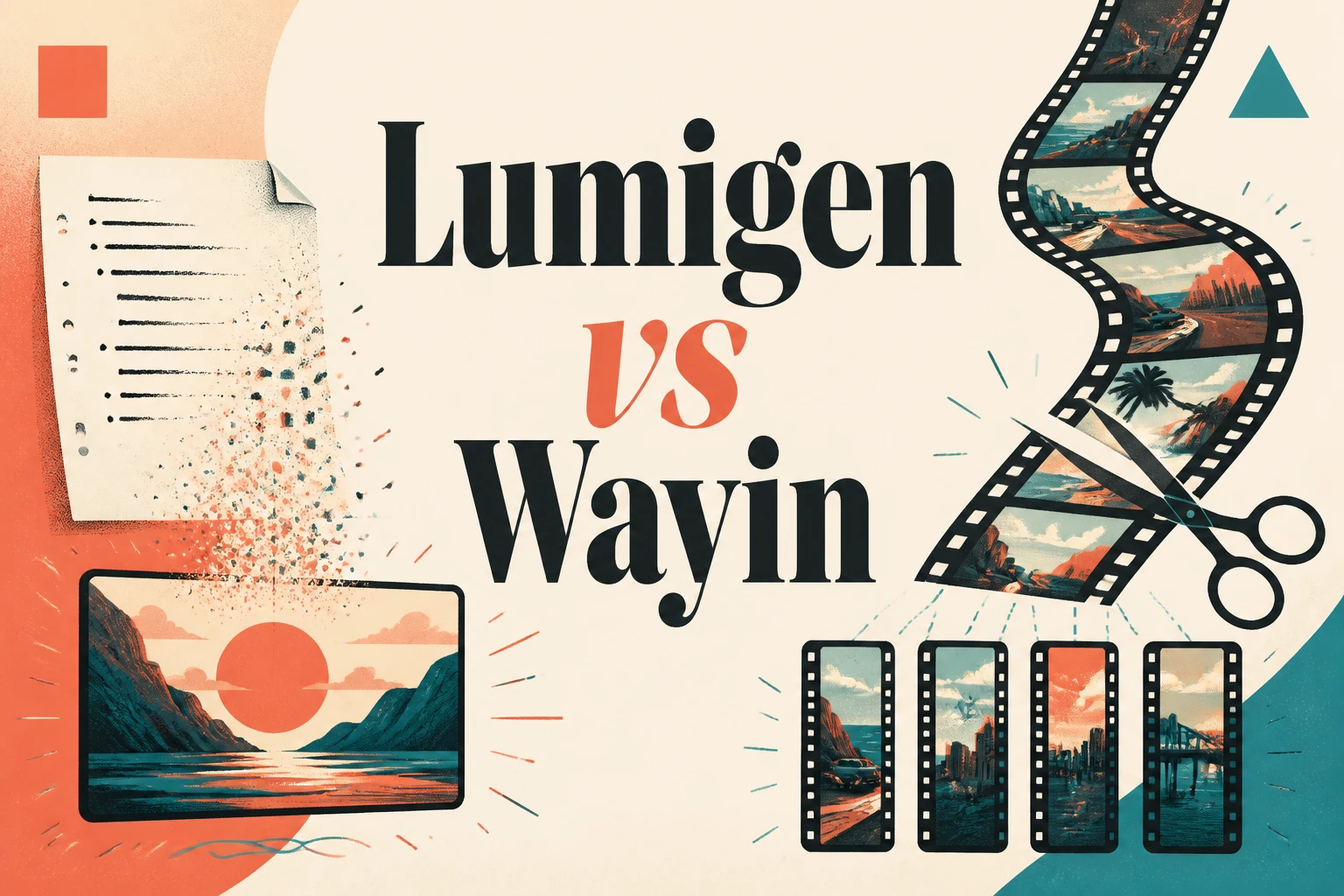
Lumigen vs Wayin is really a choice between two different jobs. Lumigen generates original video from a script - avatars, voiceovers, and frontier models build a finished clip from nothing. Wayin (WayinVideo) does the opposite: it takes a long video you already filmed and slices it into short, captioned clips for YouTube Shorts, Reels, and TikTok. If you need to create video and have no footage, Lumigen wins. If you have a back catalog of long videos and want shorts fast, Wayin is built for that. Most creators eventually need both, but the starting question is simple: are you making video from scratch, or cutting up video you already have? This comparison breaks down what each tool does, where each is genuinely stronger, pricing, and a decision framework so you pick the right one the first time.
Lumigen vs Wayin at a glance
The fastest way to see the difference is side by side. Lumigen is an original-generation suite; Wayin is a repurposing engine. They overlap on the output (vertical short-form clips with captions) but start from opposite inputs - a script versus existing footage.
| Dimension | Lumigen | Wayin (WayinVideo) |
|---|---|---|
| Core job | Generate original video from a script | Repurpose long video into shorts |
| Needs existing footage? | No | Yes |
| AI avatars | 50+ with lip-sync | No (uses your real footage) |
| Voiceovers | 50+ voices, 30+ languages | From your source audio |
| Frontier models | Veo 3.1, Kling 3.0, Sora 2 Pro (Ultra) | Not applicable |
| Auto reframe + captions | Yes | Yes (core strength) |
| Starting price | $33/mo | Free tier (100 minutes) |
Wayin's strength is the clip pipeline: its AI detects highlights and speaker changes, reframes 16:9 to 9:16, and auto-captions, per Filmora's WayinVideo review. Lumigen's strength is everything that happens before footage exists.
What each tool actually does
This is the crux, so it's worth being precise. Lumigen is a creation tool. You start with an idea or a script, and its script-to-video editor turns it into a finished video using AI avatars, generated voiceovers, and AI scene generation. There is nothing to upload - the video did not exist until Lumigen made it. That makes it the right fit for faceless channels, product ads, and any creator who needs to ship video without filming.
Wayin is a repurposing tool. It assumes you already have a long video - a podcast, a webinar, a YouTube upload - and its AI clip maker finds the best moments and turns them into 30+ short clips ranked by predicted virality, according to WayinVideo's own product pages. Its AI Reframe keeps the subject centered when converting aspect ratios, and it auto-generates multilingual subtitles and animated captions. It is genuinely good at this; it just can't make a video you haven't filmed.
That single distinction decides almost everything else. A clip extractor and an original generator are, as the saying goes, like comparing a film editor to a film studio - both touch video, but they do different work. Our original-vs-repurpose breakdown covers why that line matters for ad teams especially.
1. Lumigen: best for original AI video creation
Best for: creators who need to make video from scratch - faceless channels, ads, avatar content Strongest use cases: script-to-video, AI avatars, UGC ads, multilingual video, short-form export Starting price: $33/mo Starter, $58/mo Growth, $166/mo Ultra - see pricing
Lumigen wins when there is no footage to start from. It runs the full creation pipeline in one place: AI script generation, 50+ avatars with lip-sync, 50+ voices across 30+ languages, UGC ad generation, and short-form vertical export. On the Ultra tier it adds frontier video models - Veo 3.1, Kling 3.0, and Sora 2 Pro (until its September 2026 sunset) - that give output quality most short-form tools can't reach.
Here's how we'd use Lumigen to make a short from scratch: paste a script into the script-to-video editor, pick an avatar and a voice, generate the scenes, add captions, and export 9:16. No camera, no editing timeline. That is the workflow Wayin structurally can't offer, because it needs source footage to begin.
Where Lumigen falls short: it does not extract clips from an existing long video. If your job is turning a 45-minute podcast into ten shorts, Lumigen is the wrong tool - use Wayin (or a dedicated clip extractor) for that. It also gates frontier models behind the $166/mo Ultra tier, and it has no permanent free tier. If you want zero-cost repurposing, Wayin's free minutes win that round.
2. Wayin: best for repurposing long video into shorts
Wayin (WayinVideo) is purpose-built for one job and does it well. Point it at a long video and its AI auto-detects highlights, speaker changes, and pacing, then outputs ranked short clips with reframing and captions handled automatically. For creators sitting on hours of recorded content - podcasters, streamers, webinar hosts - that is exactly the right machine. A free tier with 100 minutes lets you test it before paying, per AI Parabellum's overview.
Its limits are the flip side of its focus. Wayin has no AI avatars, no script-to-video, and no original generation - if you don't already have footage, it has nothing to work with. The growing demand for synthetic and avatar-led shorts (YouTube itself is rolling out AI-likeness Shorts, per TechCrunch) is a category Wayin doesn't serve.
vs Lumigen: Wayin wins on repurposing long footage into ranked shorts with a free entry point; Lumigen's short-form export covers the same vertical-clip output but starts from a script and avatars, so you create rather than cut. For other repurposing options, see the best Wayin alternatives.
Feature comparison
The matrix below maps cleanly to the create-versus-repurpose split. Lumigen owns the generation columns; Wayin owns the repurposing column; both handle reframe and captions on the output side.
| Feature | Lumigen | Wayin |
|---|---|---|
| Original video generation | Yes | No |
| AI avatars + lip-sync | Yes | No |
| Script-to-video | Yes | No |
| Multilingual voiceovers | 30+ languages | From source audio |
| Long-video-to-shorts | No | Yes |
| AI reframe (16:9 to 9:16) | Yes | Yes |
| Auto captions | Yes | Yes |
| Free tier | No | Yes (100 min) |
Neither tool is "better" in the abstract. The matrix just makes the trade explicit: pick the tool whose columns match the inputs you actually have.
Pricing
Lumigen's pricing is per-credit and transparent: Starter at $33/mo, Growth at $58/mo (the popular tier, adding ElevenLabs voices, standard video models, and avatars), and Ultra at $166/mo (adding frontier models and the UGC Hub). You see the credit cost per video before you generate.
Wayin leads on the free entry point - 100 free minutes, with paid plans above that; exact 2026 tiers aren't published consistently across review sites, so confirm on its site before buying. The honest read: Wayin is cheaper to start because repurposing existing footage is a narrower job than generating video. If you only need to chop long videos, paying for a full creation suite is overkill. If you need to create, Wayin's price advantage is moot because it can't do the work.
Which should you choose?
Answer one question: do you have footage? If you are starting from a script or an idea with nothing filmed - faceless YouTube, AI avatar ads, product videos - choose Lumigen. If you have long videos and want ranked shorts with reframing and captions handled automatically, choose Wayin.
Many creators run both: Wayin to mine a back catalog, Lumigen to generate net-new content the catalog doesn't contain. But if you only buy one, match it to your dominant input. For most creators building a channel or running ads from scratch, that's Lumigen - start with script-to-video or check pricing to find your tier. If you're sitting on hours of footage, start with Wayin's free minutes instead.
Frequently asked questions
Frequently asked questions
Lumigen generates original video from a script using AI avatars, voices, and frontier models. Wayin repurposes long videos you already filmed into short clips. One creates, the other cuts.
No. Wayin needs existing footage to work - it detects highlights and reframes them into shorts. For script-to-video and AI avatars, use Lumigen.
Wayin has a free tier with 100 minutes, so it's cheaper to start. But it does a narrower job. Lumigen starts at $33/mo and covers full original creation - see pricing.
Lumigen, if you're generating narration and visuals from scratch. Wayin only helps if you already record long videos. Many faceless creators use Lumigen to create and Wayin to repurpose.
Yes, and many creators do. Generate net-new video in Lumigen, and use Wayin to slice any long recordings into extra shorts. They cover opposite ends of the workflow.
Related reads



Same prompt.
Four models.
One project.
Sora 2, Veo 3.1, Runway Gen-4, Kling 3.0 — side by side, with a free tier that's actually useful for evaluation. Three videos at full quality, no watermark, no minute cap.

Vlad
Founder of Lumigen. Has shipped tens of thousands of generations across Sora 2, Veo 3.1, Runway Gen-4, and Kling 3.0 — and edits everything published here against that hands-on test bed.


