Executive summary
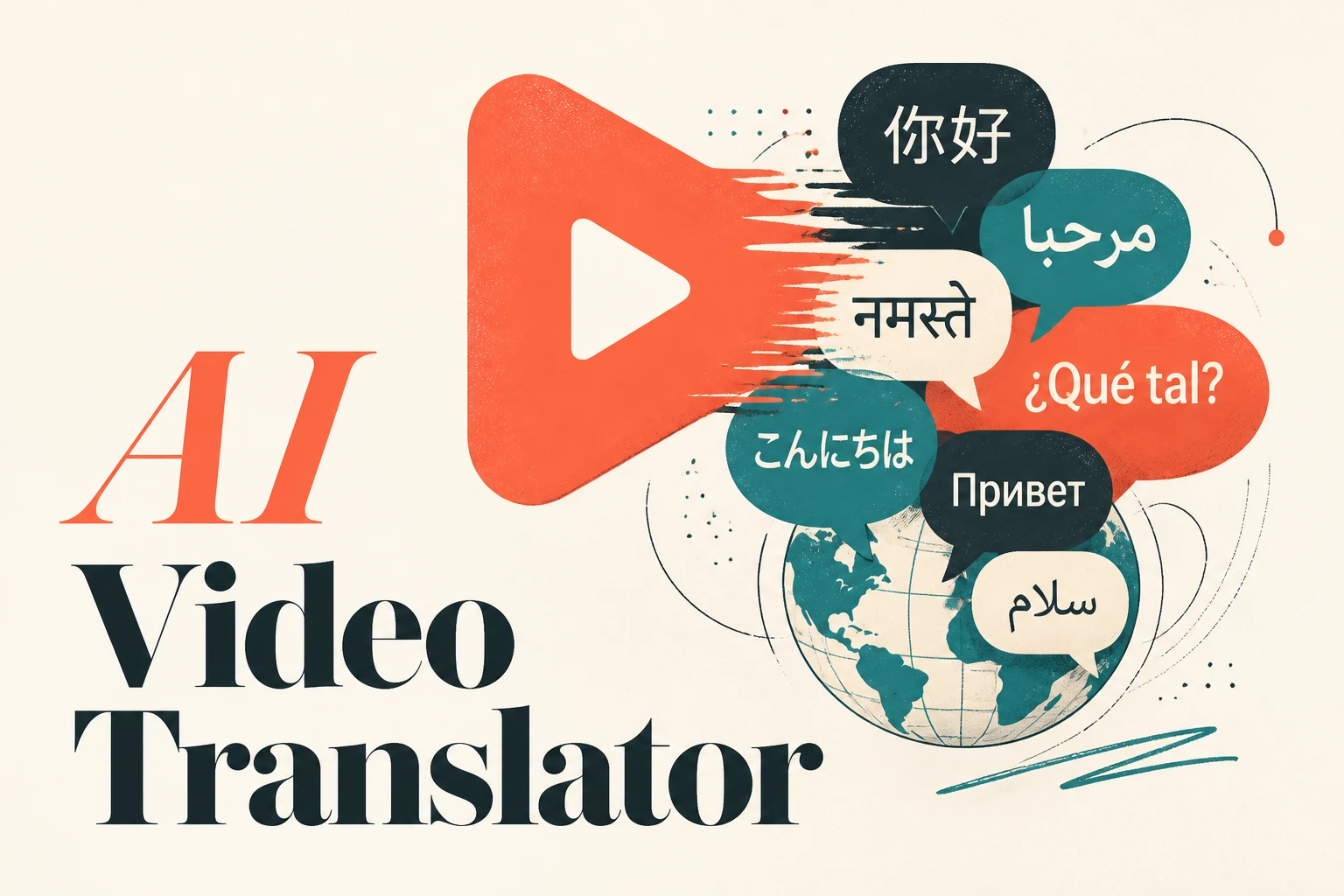
An AI video translator turns a video in one language into the same video in another, usually by transcribing the speech, translating it, regenerating the voice, and re-syncing the lips. In 2026 the best of these tools land 95 to 98 percent translation accuracy on common language pairs and cut dubbing costs from $500 to $2,000 per finished minute down to roughly $2 to $20 (Keevx). But there are two ways to get a multilingual video, not one: translate a clip you already filmed, or generate the video natively in the target language from a script. Dubbing tools like HeyGen, Rask AI, and ElevenLabs win the first job. Lumigen wins the second, because it builds the video in 30+ languages from the start with native voices and avatars, so nothing has to be "translated" at all. This guide ranks both paths and shows you which one fits your workflow.
Two paths to a multilingual video
Most "best AI video translator" lists only cover one path: you have a finished video, and you want it dubbed. That is real and useful, but it skips the faster route for creators who haven't filmed anything yet.
Path one: translate an existing video. You upload a finished clip, the tool transcribes the audio, translates the transcript, clones or re-voices the speaker, and re-times the lip movement. This is the right path when you already have a flagship video, a course module, a webinar, or a testimonial that needs to reach new markets. The original performance is preserved; only the language changes.
Path two: generate the video natively. Instead of filming once and translating after, you write a script and have a tool like Lumigen build the video directly in each target language, with a native voice and avatar per language. There is no "source language" to translate from. This is the right path for ad variants, faceless channels, and creators who think in scripts, not footage. It is also the only path that scales to "50 ad variants in 10 languages this week" without a camera.
The rest of this guide ranks tools for both paths and tells you, plainly, which job each one is built for.
Why translating your video is worth the effort
The case for multilingual video is not sentimental. It is a reach-and-revenue argument backed by consistent survey data across the last several years.
Roughly three in four consumers say they are more likely to engage with and buy from content in their native language, and a majority value native-language content over a lower price (Verbit). Yet adoption lags badly: only about 43 percent of creators currently translate their video content at all (Kapwing). That gap is the opportunity. If most of your competitors publish in one language, every additional language you ship is shelf space they are not competing for.
The economics finally make this realistic for solo creators. Studio dubbing historically ran $500 to $2,000 per finished minute and took weeks of voice-actor scheduling. AI video translation does the same work at $2 to $20 per minute with same-day turnaround, while hitting 95 to 98 percent accuracy on common pairs like English to Spanish or English to Portuguese (Keevx). For a YouTuber posting weekly, that is the difference between localizing nothing and localizing everything.
The catch is quality variance. Accuracy on common language pairs is high, but rarer pairs, fast speech, technical jargon, and multi-speaker scenes still trip up most tools. Treat the AI output as a strong first draft you spot-check, not a finished broadcast you publish blind.
Consider a concrete case. A faceless YouTuber posts three videos a week in English and wants to open a Spanish channel. The dubbing path means uploading each finished video, waiting for the transcribe-translate-resync pass, reviewing the Spanish track, and re-exporting, perhaps 20 minutes of finished video to process weekly. The native-generation path means duplicating the original script project, switching the voice to Spanish, and regenerating, with no source audio to clone or lip movement to re-time. For creators who already think in scripts, the second path is both cheaper and faster, which is why the "which path" question below matters more than the "which tool" question.
What to look for in an AI video translator
Before the rankings, here is the short checklist that separates a tool you'll keep from one you'll abandon after one export.
Lip-sync quality. The single biggest tell of cheap dubbing is a mouth that doesn't match the new audio. Tools that re-time lip movement to the translated track (HeyGen, Synthesia, Rask) read as natural; tools that only swap the audio track read as overdubbed foreign films.
Voice naturalness and cloning. A robotic voice loses viewers in the first few seconds. The best tools clone the original speaker's voice so the translated version still sounds like you, not a generic text-to-speech reader.
Multi-speaker handling. Interviews, podcasts, and panels need the tool to detect who is speaking and assign a distinct voice to each person. This is where many tools quietly fail and merge speakers into one voice.
Language breadth. Coverage ranges from ElevenLabs' 32 languages to HeyGen's 175+. More is only better if the languages you actually need are well supported, so check your specific pairs, not the headline count.
Editing control and export. You want to fix a mistranslation without re-running the whole job, and you want clean exports with no watermark on paid tiers. For social creators, vertical 9:16 export matters as much as the translation itself.
The 8 best AI video translator tools in 2026
Here is the full ranking. The table covers both paths; the sections below explain who each tool is genuinely for.
| Tool | Best for | Path | Languages | Lip-sync |
|---|---|---|---|---|
| Lumigen | Creating multilingual video from a script | Generate natively | 30+ | Built-in (avatars) |
| HeyGen | Dubbing existing video at scale | Translate existing | 175+ | Best-in-class |
| Rask AI | Multi-speaker podcasts and interviews | Translate existing | 130+ | Yes (higher tier) |
| ElevenLabs | Highest raw voice quality and API | Audio/dub | 32 | Audio only |
| Synthesia | Enterprise training and L&D | Both | 140+ | Excellent |
| Maestra | Subtitles plus dubbing on a budget | Translate existing | 125+ | Yes (Business) |
| Veed | Edit-and-translate in one browser tab | Translate existing | 125+ | Yes |
| Kapwing | Quick social repurposing | Translate existing | 40+ | Captions-led |
1. Lumigen: Best for creating multilingual video from a script
Best for: creators and marketers who start from a script or idea, not finished footage, and want video in many languages without filming once. Strongest use cases: multilingual ad variants, faceless YouTube in multiple languages, bilingual creator channels, localized product videos, script-to-video in 30+ languages, UGC ads per market. Starting price: Starter $33/mo (1,500 credits); Growth $58/mo; Ultra $166/mo with frontier models. See pricing.
Why Lumigen is the best tool for native multilingual video
Most translators on this list assume you already filmed something. Lumigen attacks the problem one step earlier: it generates the video in the target language from the start, so there is no "source" to translate and no lip-sync mismatch to fix. You paste a script, pick a language, and Lumigen builds the scenes with a native voice from its library of 50+ voices across 30+ languages, paired with one of 50+ AI avatars if you want a presenter on screen. For the pain we hear constantly, "I want to make video ads in 10 languages but I don't speak any of them," this is the direct fix.
That native-generation approach is also why Lumigen wins on volume. Because each language is generated, not post-processed, you can spin up the same ad in ten markets in parallel through the UGC ad generator instead of dubbing one master video ten times. The output quality scales with your tier: standard models on Growth, and frontier models (Veo 3.1, Kling 3.0, Sora 2 Pro until its September 2026 sunset) on Ultra for broadcast-grade results.
What makes Lumigen uniquely strong here
Beyond multilingual generation, Lumigen covers script-to-video, AI avatars, voice generation across 30+ languages, faceless YouTube automation, UGC ad generation, short-form vertical export, lip-sync correction, and frontier video models on the Ultra tier, all in one workflow. See pricing for the credit math.
The practical upshot is that you don't stitch a translator, a voice tool, and an editor together. The script becomes voice, the voice drives an avatar, the avatar lands in a scene, and the scene exports vertical or wide, in any of the supported languages, inside a single tool. For a bilingual creator running one channel in two languages, that consolidation is the whole pitch.
How to use Lumigen for multilingual video
Here's how we'd use Lumigen to ship one idea in several languages:
- Paste or generate your script in Lumigen's script-to-video editor.
- Pick a tier: Growth ($58/mo) for standard quality, Ultra ($166/mo) for frontier output. See pricing for the credit math.
- Choose a target language and a native voice from 50+ options across 30+ languages.
- Add an AI avatar for a presenter, or skip it for faceless.
- Generate the first pass, scene by scene, then refine captions and lip-sync.
- Duplicate the project, switch the language, and regenerate for the next market.
- Export 9:16, 1:1, or 16:9 per channel.
The goal isn't one perfect video. It's finding what each market engages with, then making more of it.
Where Lumigen falls short
Honesty matters more than a clean pitch, so here is where Lumigen is the wrong tool:
- It does not dub an existing uploaded video. Lumigen generates original video; it is not built to take your finished clip and re-voice it. If you already have a flagship video to localize, use HeyGen or Rask instead.
- No live-action clip repurposing. Turning a recorded podcast or webinar into translated clips is Opus Clip and Rask territory, not Lumigen's.
- Frontier models are Ultra-only. Veo 3.1, Kling 3.0, and Sora 2 Pro sit behind the $166/mo tier, which prices out creators on the smallest budgets.
- Language count trails the dubbing specialists. 30+ languages covers the major markets, but HeyGen's 175+ and Maestra's 125+ go deeper into long-tail languages.
Is Lumigen the right AI video translator for you?
Lumigen capabilities for multilingual video:
- Script-to-Video - paste a script, get a finished video with native voice and avatar
- AI Avatars - 50+ avatars across age, gender, and language
- Voices - 50+ AI voices across 30+ languages, ElevenLabs premium on Growth+
- UGC Ads - creator-style ad variants per market
- Short-Form - 9:16 vertical export for TikTok, Reels, Shorts
- Lip-Sync - automatic mouth-shape correction for avatar speech
If you start from a script and want video in many languages, Lumigen is the first tool to test. Start with the script-to-video editor and the UGC ad generator, or check pricing to match a plan to your video volume.
2. HeyGen: Best for dubbing existing video at scale
HeyGen is the tool to beat when you already have a finished video and want it translated. It supports 175+ languages and dialects, the broadest coverage on this list, with lip-sync that is widely rated best-in-class for consumer tools, and an entry plan around $24/mo that includes lip-synced dubbing and voice cloning without per-minute charges (HeyGen). For a creator localizing one hero video into a dozen markets, it is the obvious default.
Where HeyGen earns its place is consistency at volume. The lip-sync holds up across long videos, the voice clone stays stable from clip to clip, and the flat-rate entry plan means a creator localizing a back catalog isn't punished per minute the way per-minute tools punish you. The tradeoff is that it is fundamentally a post-processing tool: it needs a finished video to work on, so it can't help the creator who hasn't filmed anything yet. It also leans general rather than social, so vertical-first creators may do more reformatting than they'd like.
vs Lumigen: HeyGen wins decisively when the input is an existing video that must keep its original performance. Lumigen wins when there is no video yet and you want to generate it natively in each language, which avoids the lip-sync re-timing step entirely. Many creators end up using both: HeyGen to localize their flagship long-form, and Lumigen's script-to-video editor to mass-produce the short-form variants. If you're still choosing a base generator, our roundup of the best AI video generators covers that decision in depth.
3. Rask AI: Best for multi-speaker podcasts and interviews
Rask AI's standout strength is multi-speaker detection: it automatically identifies different speakers and assigns a distinct voice clone to each, which is exactly what podcasts, interviews, and panels need (Perso AI). It covers 130+ languages. Pricing is the catch: lip-sync sits on higher tiers, with Creator at $50/mo for 25 minutes and Creator Pro at $120/mo for 100 minutes, so heavy users pay real money (Perso AI).
vs Lumigen: Rask wins on translating multi-speaker recordings you already have. Lumigen wins on generating new multilingual content from scripts, where there is no recorded conversation to separate in the first place. If your core asset is a recorded show, Rask; if it's a script, Lumigen.
4. ElevenLabs: Best for raw voice quality and developers
ElevenLabs sets the benchmark for voice quality itself. It captures subtle emotional tone and delivery better than anything else here, supports 32 languages at high quality, and exposes a strong API for building dubbing into your own product (Perso AI). The tradeoffs: it is audio-only (no lip-sync), and each output language bills separately, so a 10-minute video into three languages burns 30 minutes of quota.
vs Lumigen: ElevenLabs wins when audio is the whole job, podcast narration, audiobooks, or a voice feature in your own app. Lumigen wins when you need the full picture, voice plus avatar plus scene plus export, and uses ElevenLabs premium voices itself on Growth and above, so you get that voice quality inside a complete video workflow rather than as a standalone track.
5. Synthesia: Best for enterprise training and L&D
If you need the highest business-grade quality, Synthesia is the clear pick, with the most convincing lip-sync and excellent voice cloning, plus SCORM-style export for learning systems (Happy Scribe). It handles both paths, generating avatar-led video and translating existing content, across 140+ languages. The price reflects the audience: this is enterprise software priced for teams, not solo creators.
The reason Synthesia commands enterprise budgets is governance: reviewable workflows, brand controls, and learning-system integration that compliance teams require. That same machinery is overkill for a solo creator who just wants a Spanish version of this week's video by tonight. The polish is real, but so is the onboarding overhead and the seat-based pricing.
vs Lumigen: Synthesia wins for corporate L&D and compliance video where polish and governance justify the cost. Lumigen wins for independent creators and small marketing teams who want frontier-model output and short-form ad volume without enterprise pricing. Both generate avatar video; Lumigen leans creator and social with its AI avatars, Synthesia leans enterprise and training.
6. Maestra, Veed, and Kapwing: Best browser all-rounders
These three blur translation and editing in one browser tab, which suits creators who want a single tool for cleanup and localization. Maestra covers 125+ languages with subtitles and dubbing, with lip-sync on its Business tier and a Pro plan around $24/mo (Maestra). Veed also spans 125+ languages and pairs translation with a full social-focused editor and brand kit at roughly $24/mo on Pro. Kapwing covers 40+ languages and leans caption-first, with a free tier (3 videos/month) and Creator at $24/mo.
vs Lumigen: these win when translation is a side feature of an editing session, fixing captions and trimming while you localize. Lumigen wins when video creation itself is the job and language is built in from the script, not bolted on at the edit stage. For caption-led social repurposing, reach for Kapwing or Veed; for generating the multilingual video itself, use Lumigen's script-to-video editor.
How to choose your AI video translator
The decision comes down to one question: do you already have a video, or just an idea?
You have a finished video to localize. Start with HeyGen for the broadest language coverage and best consumer lip-sync. Choose Rask if it's a multi-speaker podcast or interview. Choose ElevenLabs if you only need the translated audio. Choose Synthesia if you're an enterprise team localizing training at scale.
You have a script or idea, not footage. Start with Lumigen. Generating natively skips the entire transcribe-translate-resync chain and lets you produce the same idea in many languages in parallel, which is the only realistic path to ad-variant volume. Use the script-to-video editor for talking-head and faceless content, and the UGC ad generator for per-market ad creative.
You need both. Plenty of creators do. Localize your flagship long-form with a dubbing tool, then generate your high-volume short-form natively. The two paths are complementary, not competing, and the cost of running both is still a fraction of one studio dubbing invoice.
Whichever path you pick, treat the first export as a draft. Spot-check the translation with a native speaker, watch the lip-sync on the busiest scene, and confirm the voice carries the right tone before you publish to a new market.
The honest bottom line
The "best AI video translator" depends entirely on where you start. If you have a finished video, the dubbing specialists, HeyGen for breadth, Rask for multi-speaker, ElevenLabs for voice, Synthesia for enterprise, are genuinely better at re-voicing it than anything else, and you should use them.
But if the question is "what's the fastest path from an idea to a publish-ready video in any language?", you don't need a translator at all, you need a tool that builds the video in that language from the start. Start with Lumigen, try script-to-video or the UGC ad generator, and jump to pricing to find the plan that matches your video volume.
Frequently asked questions
For dubbing an existing video, HeyGen leads on language breadth (175+) and lip-sync quality. For creating a video natively in another language from a script, Lumigen is the better fit because it generates the video in the target language instead of translating after the fact. The "best" tool depends on whether you start with footage or a script.
Yes. Tools like HeyGen, Rask AI, and ElevenLabs clone the original speaker's voice so the translated version still sounds like them, then re-time the lip movement to match. Quality is high on common language pairs and more variable on rare ones, so spot-check the result with a native speaker before publishing.
Leading tools hit roughly 95 to 98 percent accuracy on common language pairs like English to Spanish (Keevx). Accuracy drops on rare pairs, fast speech, heavy jargon, and overlapping speakers. Treat the output as a strong first draft you review, not a finished broadcast.
Several tools offer limited free tiers, Kapwing allows a few videos per month, and most dubbing tools include short free trials. Free tiers usually cap minutes and add watermarks. For ongoing multilingual output, a paid plan pays for itself quickly against the $500 to $2,000 per minute that human studio dubbing costs.
No, and this is the part most guides miss. With a native-generation tool like Lumigen you can skip filming entirely: write a script, pick a language and a native voice, and generate the video directly in that language. This is faster than filming once and dubbing, especially for ad variants across many markets. Start with script-to-video.
Some tools do this well and some don't. Rask AI is the strongest here, automatically detecting each speaker and assigning a separate voice clone, which matters for podcasts, interviews, and panels (Perso AI). Many cheaper tools merge speakers into one voice. If your content is conversational, test multi-speaker handling before committing. If you generate the video natively in Lumigen instead, there's no recording to separate, you assign a distinct voice per speaker as you build it.
Related reads


Same prompt.
Four models.
One project.
Sora 2, Veo 3.1, Runway Gen-4, Kling 3.0 — side by side, with a free tier that's actually useful for evaluation. Three videos at full quality, no watermark, no minute cap.

Vlad
Founder of Lumigen. Has shipped tens of thousands of generations across Sora 2, Veo 3.1, Runway Gen-4, and Kling 3.0 — and edits everything published here against that hands-on test bed.