The short version
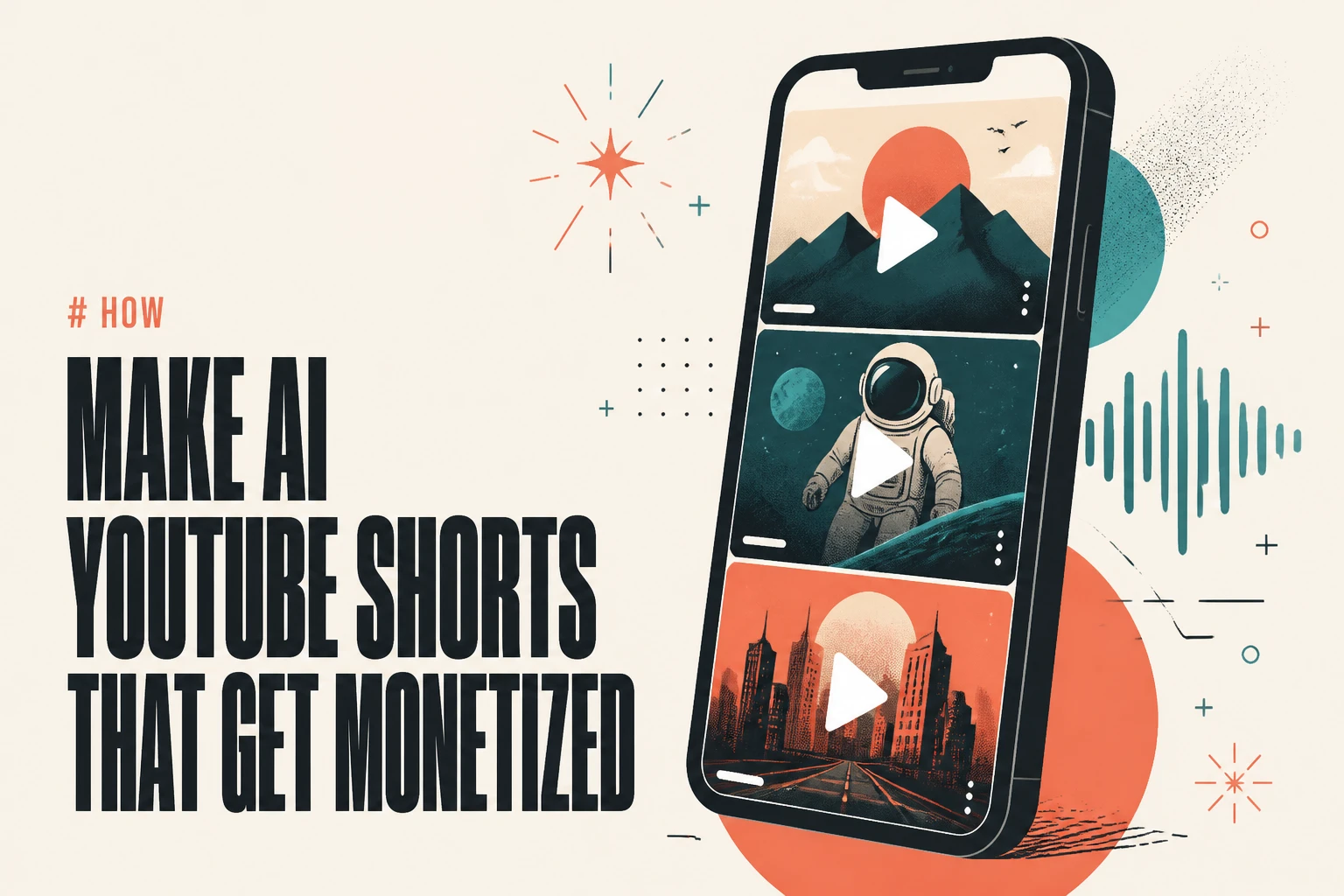
AI-generated YouTube Shorts are allowed and monetizable in 2026 - but only if they clear YouTube's inauthentic content policy. The platform does not ban AI. It bans mass-produced, templated, low-effort uploads that add no original value. That is the line that got 16 channels and 4.7 billion views wiped in a single January 2026 enforcement wave. The winning play is to use AI as a production tool, not an autopilot: generate original video from a real script, vary every upload, disclose synthetic content in YouTube Studio, and add a point of view a template can't. Lumigen is built for exactly that - original script-to-video generation instead of recycled clips. This guide shows what YouTube allows and how to make AI Shorts that survive.
What "AI-generated YouTube Shorts" actually means
"AI-generated YouTube Shorts" covers a wide spectrum, and YouTube treats each end of it very differently. On one end sits fully synthetic video: a script written by AI, narrated by an AI voice, illustrated by an AI video model, captioned automatically, and published with no human on camera. On the other end sits AI-assisted editing: a real creator using AI to cut, caption, or upscale footage they filmed themselves.
Most search results for this term are tool landing pages - Canva, Opus, InVideo, Wayin - each promising a free "AI Shorts maker." They answer which button to click, not whether the output will earn a cent. That second question is the one that decides whether your channel grows or gets terminated. The rest of this guide answers it, then shows the workflow that keeps AI Shorts on the right side of the line.
Does YouTube allow AI-generated Shorts?
Yes. YouTube has never banned AI-generated content, and its channel monetization policies confirm that AI-assisted and fully AI-generated videos remain eligible for the YouTube Partner Program. What changed is the standard those videos are held to.
There is one hard requirement: disclosure. When a Short contains realistic altered or synthetic content - an AI voice that sounds human, an AI avatar presenting as a real person, or AI-generated footage of a real-looking scene - you must toggle the "altered or synthetic content" setting in YouTube Studio. Skipping it risks removal regardless of quality.
So the answer to "does YouTube allow AI-generated Shorts" is a firm yes, with an asterisk. Allowed is not the same as monetizable. A Short can be perfectly permitted to exist and still be permanently locked out of ad revenue because it trips the inauthentic content policy - the rule that does the real filtering.
What YouTube's inauthentic content policy actually bans
In July 2025 YouTube retired its old "repetitious content" rule and replaced it with the inauthentic content policy. The rename looked cosmetic; the enforcement was not. The policy targets mass-produced and repetitive uploads - videos built from a template with little variation, AI voiceover slapped over stock footage with zero commentary, text-on-screen slideshows with no narrative, and content that is trivially replicable at scale.
The consequences are not gentle. In January 2026, as The Next Web and other creator-economy outlets reported, YouTube terminated 16 channels holding a combined 35 million subscribers and 4.7 billion views. Named casualties like Screen Culture and KH Studio shared a pattern: synthetic narration over repurposed footage, templated scripts, and multiple uploads per day. Enforcement runs on a three-strike system - warning, then a 90-day suspension, then permanent removal from the Partner Program.
YouTube is not scanning for "was AI used." It is scanning for "is this the same video fifty times." Original, varied, disclosed AI content passes. Templated AI content at volume does not.
The tools creators use to make AI Shorts (ranked)
The tool you pick decides how easily you stay on the right side of that line. Clip repurposers and slideshow makers push you toward templated output by design. Original-generation tools push you toward variety. Here is how the main options stack up for creators who need Shorts that actually earn.
1. Lumigen: best for original AI Shorts built to be monetized
Best for: solo creators and faceless-channel operators who need original, varied Shorts at volume Strongest use cases: script-to-video, faceless YouTube, AI avatars, voiceover, short-form vertical export, multilingual video Starting price: $33/mo (annual); Growth $58/mo; Ultra $166/mo for frontier models
Why Lumigen is the best AI Shorts tool for monetization
Lumigen generates video from scratch - you paste a script and it produces a finished Short with voice, visuals, and captions. That matters directly for the inauthentic content policy: original generation is the opposite of the templated, recycled patterns YouTube wipes. Because script-to-video starts from your own words, every upload can carry a different hook, structure, and visual style instead of one reused shell. You control the substance, which is exactly the "original value" signal the policy rewards.
What makes Lumigen uniquely strong for Shorts
Beyond the core flow, Lumigen covers AI avatars (50+ options), voice across 30+ languages, faceless YouTube automation, UGC ad generation, 9:16 vertical export, lip-sync correction, and frontier video models (Veo 3.1, Kling 3.0, Sora 2 Pro until its September 2026 sunset) on the Ultra tier - in one workflow. See pricing for the credit math.
How to use Lumigen for a monetizable Short
Write or paste an original script
Start from a genuine point of view, not a fill-in-the-blank template, in the script-to-video editor.
Pick a voice and (optional) avatar
Choose from 50+ voices across 30+ languages, or add an AI avatar for a talking-head Short.
Generate scene by scene
Vary the visual style per Short so no two uploads look templated.
Add captions and correct lip-sync
Auto-captions plus lip-sync correction keep the output feeling human.
Export 9:16 and disclose in Studio
Export vertical, then toggle "altered or synthetic content" on upload.
Where Lumigen falls short
- No permanent free tier - the entry plan starts at $33/mo. If you want free forever, CapCut wins.
- Frontier models (Veo 3.1, Kling 3.0, Sora 2 Pro) are gated to the $166/mo Ultra tier.
- It does not extract clips from existing long videos - if your job is repurposing a podcast you already recorded, use Opus Clip instead.
- Heavy caption-styling perfectionists may still want a dedicated captions app for the last 5%.
Is Lumigen the right AI Shorts tool for you?
If you need original Shorts that pass the inauthentic content bar and you value variety over volume, yes. Start with the script-to-video editor and the AI avatars tool, then check pricing to match a plan to your upload cadence.
2. Opus Clip: best for repurposing existing long videos
Opus Clip extracts short clips from long-form video you already recorded. It is excellent when you have a podcast or stream to mine, but it repurposes rather than creates - so it can't help a channel that has no source footage yet. vs Lumigen: Opus Clip wins on clip extraction from existing uploads; Lumigen's script-to-video wins when you need original video from nothing.
3. InVideo: best for template-driven quick edits
InVideo is a fast text-to-video editor with a large template library. That convenience is also its risk for Shorts: leaning on the same templates is precisely what the inauthentic content policy flags. vs Lumigen: InVideo wins on template breadth; Lumigen's create-video flow wins on original, per-Short variation that keeps you monetizable.
4. Canva: best for design-first creators
Canva's AI Shorts maker fits people already living in Canva's design suite. It is a generalist design tool, not a video-first engine, so output can skew generic at scale. vs Lumigen: Canva wins for designers; Lumigen wins for creators who need voice, avatars, and frontier video quality in one place.
How to make AI Shorts that get monetized
The workflow that survives is the one that maximizes original value per upload. Start every Short from a real idea, not a template you plan to reuse. Generate original video rather than recycling the same stock B-roll. Vary the hook, script, and visual style across the batch so no two uploads look templated. Add a genuine point of view - commentary, a take, a specific tip - that a slideshow generator cannot replicate. Then disclose synthetic content in YouTube Studio on every upload.
In our own testing, the fastest way to trip the inauthentic-content filter was reusing one template across a batch; the moment we varied the hook and visual style per video, the "looks templated" problem disappeared. One creator on r/EntrepreneurRideAlong documented a fully automated Shorts channel and hit the same wall - automation scaled the uploads but flattened the variety. Volume is not the enemy; sameness is. Use Lumigen's script-to-video editor to keep each Short original, and jump to pricing to find the plan that matches your cadence.
Where an all-AI approach still falls short
AI generation is not a monetization cheat code. Even original AI Shorts need a human editorial layer: a real angle, a reason the video exists, and a creator who reviews before publishing. Fully hands-off "set it and forget it" pipelines are exactly what got wiped in January 2026. The tools - Lumigen included - handle production; they do not supply the point of view that separates a channel worth subscribing to from AI slop. Treat AI as the crew, not the director. Where you genuinely need clip extraction from long footage, Opus Clip is the better fit; where you want a free-forever editor, CapCut wins. But for original short-form built to pass YouTube's bar, start with script-to-video and pick a plan on the pricing page.
Related reads
Same prompt.
Four models.
One project.
Sora 2, Veo 3.1, Runway Gen-4, Kling 3.0 — side by side, with a free tier that's actually useful for evaluation. Three videos at full quality, no watermark, no minute cap.

Vlad
Founder of Lumigen. Has shipped tens of thousands of generations across Sora 2, Veo 3.1, Runway Gen-4, and Kling 3.0 — and edits everything published here against that hands-on test bed.