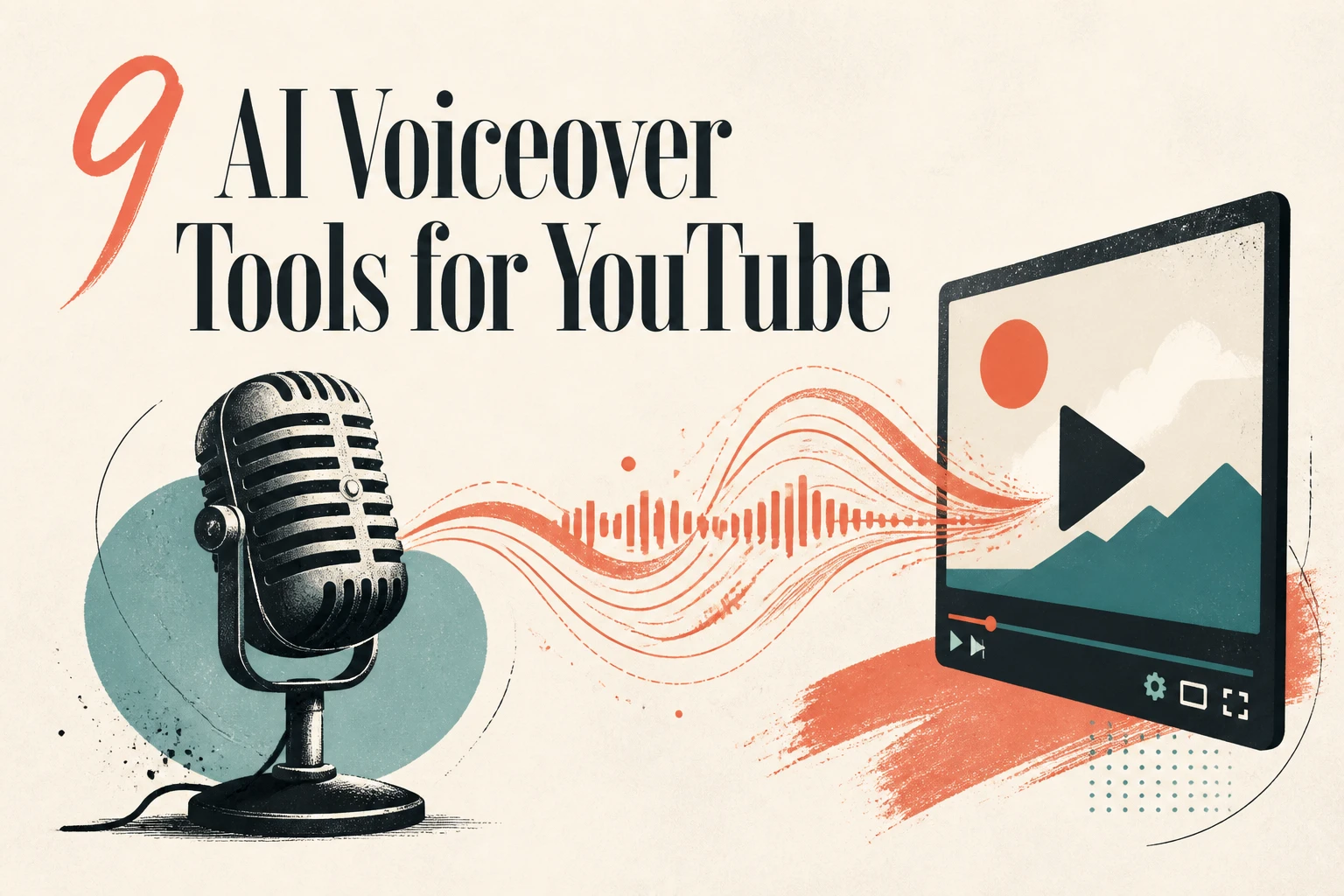
The short answer
The best AI voiceover for YouTube videos in 2026 depends on whether you want a voice clip or a finished video. If you only need an audio track, ElevenLabs has the most realistic voices and Murf has the deepest multilingual library. But most YouTubers do not want one more file to drag into a separate editor. They want a script to become a narrated, captioned, publish-ready video in one place. That is where Lumigen ranks first: it pairs 50+ AI voices across 30+ languages with script-to-video, avatars, and frontier video models in a single workflow, starting at $33/month. AI voiceovers are allowed on YouTube and can be monetized, with one important exception we cover below.
How we tested and picked these tools
We judged nine AI voiceover tools the way a working YouTuber would, not on marketing pages. Five things mattered. Voice realism: does the narration hold up across a 10-minute video, or does it drift into robotic flatness by minute three? Workflow: is the voice a standalone export, or does it connect to video, captions, and publishing? Languages: how many, and are the non-English voices actually native-sounding? Monetization safety: will YouTube treat the output as "inauthentic" and demonetize it? Price: what does a creator who ships weekly actually pay?
Most tools on this list are pure text-to-speech engines. They make great audio and then hand you a file. A smaller group, led by Lumigen, treats voice as one stage inside making the whole video. Both approaches are valid. The right one depends on how many tools you want open at once.
Here is the ranked field at a glance before we go deep on each one.
1. Lumigen: Best for turning a script into a narrated video in one workflow
Best for: creators who want a script to become a finished, narrated YouTube video without juggling a TTS tool and a separate editor. Strongest use cases: faceless narration channels, talking-head explainers, multilingual uploads, short-form ad spin-offs, weekly upload schedules, voice-plus-avatar videos. Starting price: $33/month (Starter, annual billing). See pricing for credit math.
Why Lumigen is the best AI voiceover tool for YouTube
Every other tool on this list stops at the audio file. Lumigen treats the voiceover as one step inside making the video, which is the actual job a YouTuber has. You paste a script into the script-to-video editor, pick a voice from 50+ options spanning 30+ languages, and the platform generates the narration, the visuals, and the captions together. On Growth and above, the voices run on ElevenLabs premium text-to-speech, so you get the same voice realism people pay for separately, without exporting an MP3 and re-importing it somewhere else.
That consolidation is the win dimension. A standalone voice generator plus a video editor plus a caption tool is three subscriptions and three exports. Lumigen collapses that into one creation flow, which is why it earns the top spot for the specific job of voicing a YouTube video rather than the narrower job of generating a voice clip.
What makes Lumigen uniquely strong for YouTube narration
Beyond the voiceover step itself, Lumigen covers script-to-video, AI avatars so your narration can have a face on screen, voice generation across 30+ languages for international uploads, faceless YouTube automation, a silence trimmer that cleans up dead air in voiceover tracks, UGC ad generation for repurposing a video into paid social, lip-sync correction, and frontier video models like Veo 3.1 and Kling 3.0 on the Ultra tier. That is one workflow instead of a stack of seven tabs. The silence trimmer alone solves a problem most TTS tools ignore: AI narration often leaves awkward gaps that make a video feel slow.
How to use Lumigen to voice a YouTube video
Here is how we would narrate a 7-minute faceless YouTube video with Lumigen:
- Paste or generate your script in the script-to-video editor
- Pick a tier: Growth at $58/month for ElevenLabs-grade voices, or Ultra at $166/month if you also want frontier video models. See pricing for the credit breakdown
- Choose a voice from 50+ options, matching tone to your niche (calm for documentary, punchy for commentary)
- Pick an AI avatar if you want a presenter on screen, or skip it for faceless narration
- Generate the first pass scene by scene, then listen for pacing
- Run the silence trimmer to tighten gaps, and apply lip-sync correction if you used an avatar
- Export in 16:9 for long-form, or 9:16 if you are also cutting a Short
The point is not one perfect take. It is generating a full narrated video in the time most tools take to produce an audio file you still have to edit elsewhere.
Where Lumigen falls short
No tool wins everything, and Lumigen has real gaps worth naming:
- No permanent free tier. The cheapest plan is $33/month. If you need genuinely free voiceover, CapCut or Clipchamp beat it.
- The deepest single-voice cloning controls live in dedicated engines. If your entire channel is built on one cloned signature voice with fine-grained emotion dials, ElevenLabs gives you more knobs.
- Frontier video models are gated to the Ultra tier at $166/month, which prices out solo creators on tight budgets who only want voice.
- It is built for original generation, not repurposing existing footage. If your job is chopping a recorded podcast into clips, Opus Clip is the right category, not Lumigen.
If you only ever need a bare voice clip and never the video around it, a pure TTS tool is the leaner buy.
Lumigen capabilities for YouTube voiceover:
- Script-to-Video - paste a script, get a narrated video with voice and visuals
- Voices - 50+ AI voices across 30+ languages, ElevenLabs premium on Growth and up
- AI Avatars - put a presenter on screen to match the narration
- Silence Trimmer - remove dead air from voiceover tracks
- Faceless YouTube - automated long-form narration with no on-camera presence
- UGC Ads - repurpose a narrated video into paid-social ad variants
- Lip-Sync - automatic mouth-shape correction for avatar speech
See pricing for plan-level breakdowns.
Is Lumigen the right AI voiceover tool for you?
If your real goal is a published YouTube video and the voiceover is just one ingredient, start with Lumigen. If you only ever need a raw audio file, keep reading: the standalone engines below do that one thing very well. Start with the script-to-video editor on the Growth tier, and check pricing to match a plan to your upload volume.
2. ElevenLabs: Best for raw voice realism
ElevenLabs is the voice-quality benchmark the rest of the field is measured against. Its text-to-speech holds emotional consistency across long scripts better than almost anything else, and its voice cloning lets you build a signature channel voice from a short sample. For creators whose entire brand rests on one recognizable narrator, the fine-grained stability and style controls are worth the dedicated subscription. The catch for YouTubers is scope: ElevenLabs outputs audio. You still drag that file into an editor, sync it to footage, add captions, and export. It is the best voice engine, not the best video workflow.
vs Lumigen: ElevenLabs wins on pure single-voice realism and cloning depth. Lumigen uses ElevenLabs-grade premium voices on Growth and up, then connects them straight to script-to-video and captions, so you skip the export-and-reimport loop entirely.
3. Murf: Best for multilingual studio narration
Murf is a polished narration studio aimed at marketers and course creators. Its strength is breadth: a large library of voices across many languages and accents, plus a timeline where you can adjust pitch, pace, and emphasis per word. For a creator producing training content or explainer videos who wants studio-style control over delivery, Murf is a strong audio pick. Like ElevenLabs, though, its output is a voice track. The video assembly happens elsewhere, which means another tool, another export, and another subscription on top of your editor.
vs Lumigen: Murf wins on granular per-word voice editing in a dedicated studio. Lumigen covers the same multilingual need across 30+ languages and then keeps going into the finished video, so a Spanish or Hindi upload does not need a second tool for the visuals.
4. Clipchamp: Best free browser voiceover
Clipchamp is Microsoft's browser-based video editor, and its built-in text-to-speech makes it a genuinely useful free option for simple voiceovers. You type your script, pick a voice, and drop the narration straight onto a timeline alongside your clips. For Windows users and anyone who wants zero-cost narration without installing software, it is hard to argue with. The voices are competent rather than exceptional, the language range is narrower than the specialists, and the editor is built for light edits rather than high-volume channel production. But for a beginner voicing their first few uploads, free and integrated is a real advantage.
vs Lumigen: Clipchamp wins on cost for casual users; it is free. Lumigen wins when you outgrow simple edits and need frontier voices, 30+ languages, and original video generation rather than a basic editor with TTS bolted on.
5. InVideo: Best for script-to-video drafts with a voice step
InVideo sits closer to Lumigen's category: you give it a script or a prompt, and it assembles a rough video with stock footage and an AI voiceover in a few steps. For quickly turning a written idea into a draft video with narration, it is fast and beginner-friendly. The tradeoff is that InVideo leans heavily on stock-footage assembly rather than original generation, so videos in the same niche can start to look alike, and the voiceover quality sits a notch below the dedicated engines.
vs Lumigen: InVideo wins on speed-to-rough-draft from a text prompt with stock footage. Lumigen generates original video rather than stitching stock, pairs the narration with AI avatars and frontier models, and offers a transparent per-credit cost instead of opaque export limits.
6. Lovo (Genny): Best for monetization-safe voice library
Lovo, through its Genny product, markets heavily to YouTubers worried about monetization, with a large commercially licensed voice library and clear usage terms. For creators who want documented commercial rights on every voice they use, that clarity is valuable. Genny also bundles a basic editor and subtitle tools, nudging it slightly past pure TTS. The voices are solid mid-tier, and the interface is approachable. It is a sensible pick for a faceless channel that wants licensing peace of mind without stitching together rights from multiple sources.
vs Lumigen: Lovo wins on an explicitly licensing-forward voice catalog. Lumigen also clears commercial use and adds original video generation, avatars, and the same multilingual depth, so the voice and the video share one license and one workflow.
7. CapCut: Best free voiceover for Shorts
CapCut is the default mobile and desktop editor for short-form creators, and its text-to-speech is free, fast, and good enough for Shorts. If you are cutting vertical videos and want a quick AI voice without leaving your editor, CapCut is the path of least resistance. The voices are recognizable from millions of TikToks, which is both a feature (familiar, trusted) and a bug (your video can sound like everyone else's). For long-form YouTube narration, the quality and language depth fall short, but for fast Shorts, free wins.
vs Lumigen: CapCut wins on free short-form editing with built-in TTS. Lumigen wins when you want a voice that does not sound like every other Short, plus original long-form generation and a silence trimmer for clean narration pacing.
8. NaturalReader: Best for long-form narration
NaturalReader started as a document-reading tool and grew into a capable long-form narration engine. Its strength is stamina: it handles very long scripts, articles, and documents with steady delivery, which makes it a fit for audiobook-style or deep-explainer YouTube content. It also offers commercial plans and a respectable voice selection. The interface is plainer than the newer studios, and it is audio-first, so the video work happens elsewhere. For a narration-heavy channel that uploads long videos, the long-script stability is the draw.
vs Lumigen: NaturalReader wins on patient long-document narration. Lumigen matches long-form narration and then builds the video around it, so a 20-minute explainer does not need a separate assembly step.
9. Speechify: Best for fast turnaround on short scripts
Speechify is built for speed. It is best known as a read-it-to-me app, and that DNA shows: paste a short script, get a clean voice track in seconds. For creators who batch many short videos and need narration fast, the quick turnaround and simple interface are the appeal. The free tier is limited, the best voices sit behind a premium plan, and like the rest of this group it is audio-only. It is a reasonable utility for short scripts, less so for a flagship long-form channel.
vs Lumigen: Speechify wins on raw speed for short audio clips. Lumigen is the better fit when the script needs to become a finished video, with voice, visuals, and captions generated together rather than a fast audio file you assemble yourself.
Will an AI voiceover hurt your YouTube monetization?
This is the question that stops most creators, and it has two separate parts people confuse. First, the good news: AI voiceovers are allowed on YouTube and can be monetized. YouTube's own monetization policies reward original, valuable content regardless of whether the narration is human or synthetic. Channels using AI voices monetize successfully every day.
The trap is YouTube's "inauthentic" and "repetitious content" rules, updated in 2025. The platform demonetizes channels that mass-produce low-effort, templated videos, which often means a robotic AI voice reading scraped text over stock footage with no original insight. The voice is not the problem; the lack of original value is. If your video has a real point of view, a tight script, and production care, an AI narrator is fine.
One more source of confusion: YouTube's own auto-dubbing feature also generates an "AI voiceover" on the viewer's side, translating your video into other languages automatically. Some creators search for how to turn that off. That is a playback setting in YouTube Studio and is unrelated to the narration tools in this guide. To keep your uploads on the safe side of the monetization line, write scripts worth watching and use a voice that does not sound mass-produced; tools like Lumigen and ElevenLabs clear that bar more easily than the default TikTok voice.
How to add an AI voiceover to your YouTube video
The workflow is similar across tools, with one big fork: standalone TTS versus an all-in-one platform. Here is the cleaner all-in-one path:
Write or generate your script
Start with a script built for the ear, not the page. Short sentences, clear hooks, one idea per line. In Lumigen you can generate a first draft from a prompt and then edit it.
Pick a voice that fits your niche
Match tone to content: warm and measured for documentary, energetic for commentary, neutral for tutorials. Preview two or three before committing across a full video.
Generate the narration and check pacing
Listen for unnatural pauses and rushed transitions. This is where a silence trimmer earns its keep, removing the dead air that makes AI narration feel slow.
Sync captions and visuals
Add captions for the 80%-plus of viewers who watch muted at first, and align the voice to your footage or avatar. All-in-one tools do this in the same window.
Export for the right format
Render 16:9 for standard YouTube, or 9:16 if you are also cutting a Short from the same script.
If you use a standalone voice engine instead, replace steps three through five with export the MP3, import it into your editor, sync by hand, and add captions separately. That gap, three manual steps versus zero, is the whole argument for an integrated tool.
How to choose the right AI voiceover tool
Pick by the job, not the brand. Three questions sort the field fast.
Do you need a voice clip or a finished video? If you only want audio to drop into an editor you already love, ElevenLabs for realism or Murf for multilingual range are the leanest buys. If you want the narration to become the video, Lumigen removes the export-and-reassemble loop.
What is your budget and volume? Free and casual points to CapCut or Clipchamp. Shipping weekly with quality that does not sound mass-produced points to a paid plan; Lumigen starts at $33/month with transparent per-credit pricing, so you see the cost per video before you generate.
How many languages do you ship in? For one or two, most tools work. For a genuinely multilingual channel, prioritize native-quality voices across 30+ languages, which is where Lumigen and the dedicated engines pull ahead of the free editors. Start with the script-to-video editor if the answer to question one was "a finished video."
Frequently asked questions
Frequently asked questions
For a finished, narrated video in one workflow, Lumigen ranks first with 50+ voices across 30+ languages connected to script-to-video. For a standalone audio file with the most realistic single voice, ElevenLabs is the benchmark. The "best" depends on whether you want a voice clip or a complete video.
Yes. AI voiceovers are allowed and can be monetized. YouTube's policies target low-effort, repetitious, mass-produced content, not the use of a synthetic voice. A well-scripted video with an AI narrator monetizes the same as one with a human voice.
Yes, as long as the video adds original value. Channels are demonetized for templated, scraped, or repetitious uploads, not for using AI narration. Write a script worth watching and use a natural-sounding voice, and AI narration will not block monetization.
Yes. CapCut and Clipchamp both offer free built-in text-to-speech that is good enough for simple videos and Shorts. For higher realism, more languages, and original video generation, paid tools like Lumigen (from $33/month) and ElevenLabs are worth the cost.
That is YouTube's auto-dubbing feature, which translates your video into other languages on playback. It is a separate setting in YouTube Studio under your video's language options, unrelated to the narration tools in this guide. You control it per video in Studio, not through a voiceover app.
ElevenLabs is widely regarded as the realism leader for single-voice narration, and Lumigen uses ElevenLabs-grade premium voices on its Growth tier and above. Both hold emotional consistency across long scripts far better than the free editor voices, which is what keeps viewers from clicking off.
Not anymore. Standalone voice engines like ElevenLabs and Murf give you an audio file you then assemble elsewhere, which usually means a voice tool, an editor, and a caption tool. All-in-one platforms such as Lumigen generate the narration, visuals, and captions in one pass from a single script, which removes two or three manual export-and-sync steps per video. For a creator uploading weekly, that saved time compounds fast.
Yes. Lumigen generates native-quality voices across 30+ languages, and dedicated engines like Murf and ElevenLabs also offer broad multilingual libraries. For a genuinely multilingual channel, prioritize tools with native-sounding non-English voices rather than free editors, whose language ranges are narrower and often sound noticeably accented to native listeners.
Related reads


Same prompt.
Four models.
One project.
Sora 2, Veo 3.1, Runway Gen-4, Kling 3.0 — side by side, with a free tier that's actually useful for evaluation. Three videos at full quality, no watermark, no minute cap.

Vlad
Founder of Lumigen. Has shipped tens of thousands of generations across Sora 2, Veo 3.1, Runway Gen-4, and Kling 3.0 — and edits everything published here against that hands-on test bed.


