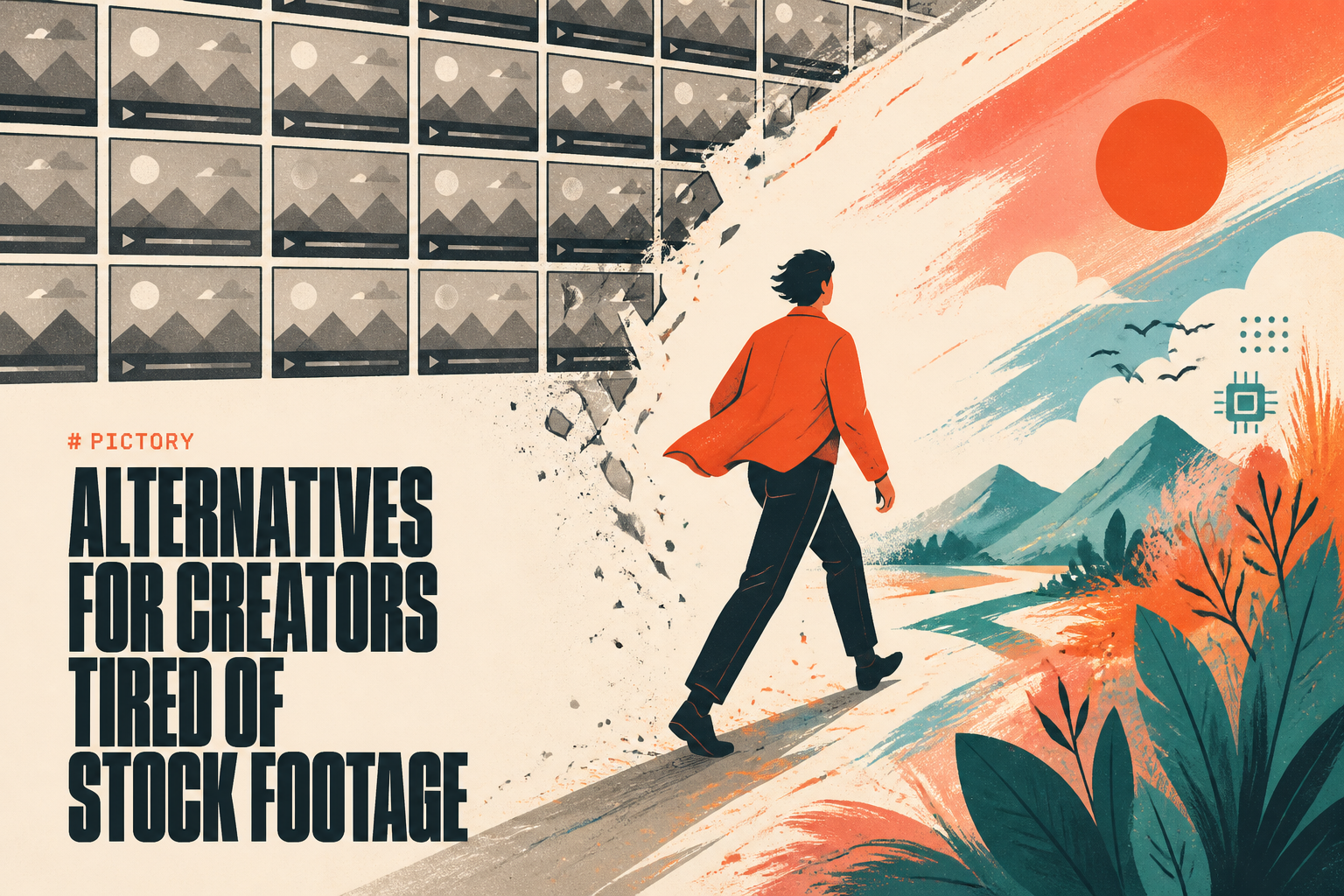
Pictory does one job well: paste a blog post or a script, and it stitches together stock clips, captions, and a voiceover into a watchable video. For repurposing written content into social snippets, that is a real workflow. But if you have spent any time in Pictory, you have probably hit the wall everyone hits. The AI picks visuals that are vaguely on-topic instead of right. The same stock clips show up in your video and a thousand others. And the output has that unmistakable "assembled, not made" texture that viewers scroll past in about a second.
If you are searching for Pictory alternatives, you are usually after one of three things: better-looking output, original footage instead of recycled stock, or a workflow that does more than text-to-stock-montage. This guide compares nine tools across those exact axes. Pricing is current as of May 2026 and pulled from each tool's own pricing page. We start with the honest version of what Pictory is good at, then go tool by tool: what each one wins, where it loses, and the specific creator it is built for.
Quick verdict: If you want one workspace that replaces the whole stack - script, voice, avatar, original generated footage, captions, and export - switch to Lumigen. If you want Pictory's exact blog-to-video job done with generative footage instead of stock, InVideo AI. For avatar-led training and explainers, Synthesia. For the cheapest faceless-video pipeline, Fliki. Everything else below is a specialist worth knowing about.
Model note: Several tools here route to frontier text-to-video models. OpenAI shut the Sora consumer app on April 26, 2026 and the Sora 2 API closes September 24, 2026, so treat Veo 3.1 and Kling 3.0 as the forward-looking defaults in that bracket. See Sora 2 vs Veo 3.1 vs Runway vs Kling for the migration breakdown.
Why creators are leaving Pictory in 2026
Pictory earned its place by being early and simple. In 2026, three cracks have widened enough that the search volume for "Pictory alternatives" exists at all.
The stock-footage ceiling. Pictory builds videos from a library of roughly three million stock clips and 15,000 music tracks, per its own pricing page. That library is the product's hard ceiling. Two creators covering the same topic get visually similar videos because they are drawing from the same shelf. Original AI generation - making a clip that has never existed from a prompt - is a different category that Pictory does not play in. When your niche gets crowded, "looks like everyone else's video" becomes a real distribution problem, not a cosmetic one.
Minutes-based pricing that surprises people. Pictory meters by exported video minutes, not video count. A single 20-minute tutorial and twenty one-minute shorts consume wildly different quota even though one feels like more work. Across Trustpilot, G2, and Capterra, the recurring complaint pattern is the same: the AI selects irrelevant visuals, the editor feels unstable on longer projects, and the minute caps create surprise limits mid-month. None of those are dealbreakers for light use; all of them compound at volume.
The category split. "AI video" stopped being one thing. There are stock-footage assemblers (Pictory, Lumen5), avatar tools (Synthesia, HeyGen), and original generators (Lumigen, InVideo with frontier models, Runway). If your work has drifted toward short-form, cinematic, or avatar-led output, you are not shopping for a better Pictory. You are shopping in the wrong aisle, and the right alternative depends entirely on which of those three jobs you actually have.
Who should stay on Pictory
The honest counter-case. If your job is genuinely "turn this 1,500-word blog post into a 90-second recap with captions for LinkedIn," and you do it a few times a month, Pictory's text-to-video flow is fast and the learning curve is gentle. If you need a free trial to test before paying anything, Pictory's 14-day trial (three projects, ten total minutes) is an easier on-ramp than tools that only offer annual discounts. And if stock footage genuinely fits your content - news recaps, listicles, faceless explainers where the visuals are secondary to the script - the stock library is a feature, not a limit. For everyone else, read on.
Pictory alternatives at a glance
Pricing reflects each tool's lowest paid tier as of May 2026, annual billing where the tool offers it. "Original generation" means the tool can create footage that did not exist before, versus assembling stock clips.
| Tool | Starting price | Core job | Original generation | Avatars | Free option |
|---|---|---|---|---|---|
| Lumigen | $33/mo | All-in-one original video | Yes (frontier models) | Yes (50+) | Trial credits |
| InVideo AI | ~$20/mo | Prompt-to-video | Yes (Sora 2, Veo 3.1) | Yes | Yes (watermarked) |
| Synthesia | $22/mo | Avatar explainers | No | Yes (230+) | Yes (limited) |
| Fliki | $28/mo | Faceless TTS video | Partial | Yes | Yes (5 min/mo) |
| Steve.ai | $15/mo | Animation + explainers | Yes (animation) | Yes | Watermarked |
| Zebracat | $39/mo | Short-form social | Yes (AI scenes) | Yes | Yes (5 videos) |
| Lumen5 | ~$19/mo | Blog-to-video | No | No | Yes (watermarked) |
| Descript | Free + paid | Text-based editing | No | Yes (overdub) | Yes |
| Pictory | $25/mo | Stock-clip assembly | No | No | 14-day trial |
A pattern jumps out of that table: the tools that break Pictory's ceiling are the ones in the "original generation" column. That is the single most useful filter when you are choosing. If recycled stock is your problem, only the tools that can generate are real solutions.
One thing we keep noticing when creators move off Pictory: the switch that sticks is almost never about a nicer editor. People who jump to another stock-assembler (Pictory to Lumen5, say) tend to drift back, because the recycled-footage look that bothered them is still there. The switches that stick are the ones that change what the footage is - from assembled stock to generated original. That is why this list is ordered by capability, not by price. A cheaper tool that solves the wrong problem is the most expensive choice of all, because you pay for it twice and switch again in a month.
1. Lumigen - the all-in-one original-video workspace
Lumigen is the alternative for creators who realized the problem was never Pictory's editor - it was the stock library underneath it. Instead of assembling clips that already exist, Lumigen generates original video from a script, layers an AI voice and optional avatar on top, and exports in whatever aspect ratio the channel needs. It is the tool on this list that replaces the most other tools at once.
Why it ranks first
The dividing line across every tool here is stock-assembly versus original generation, and Lumigen sits firmly on the generation side while still doing the script-to-video job Pictory users came for. Paste a script into the script-to-video editor, pick a visual style from the 26-plus on offer, and the output is footage built for your video specifically - not pulled off a shelf. For a creator whose core complaint is "my videos look like everyone else's," that is the whole fix in one step. It also folds in the pieces Pictory makes you leave the app for: voiceover, avatars, captions, and short-form vertical export.
Where Lumigen is uniquely strong
Beyond the script-to-video flow, Lumigen covers AI avatars (50-plus options with lip-sync correction), voice generation across 30-plus languages, faceless YouTube automation, UGC ad generation, short-form vertical export, and frontier video models - Veo 3.1, Kling 3.0, and Sora 2 Pro until its September 2026 sunset - on the Ultra tier. The frontier-model access is the real separator: most tools in this roundup are locked to older or proprietary models, while Lumigen lets you pick the current best one per shot. See pricing for the credit math.
Lumigen capabilities for replacing Pictory:
- Script-to-Video - paste a script, get original footage with voice and captions
- AI Avatars - 50-plus realistic presenters across age, gender, and language
- Voices - 50-plus AI voices across 30-plus languages, ElevenLabs premium on Growth and up
- UGC Ads - creator-style ad variants for paid social
- Frontier Models - Veo 3.1, Kling 3.0, Sora 2 Pro on Ultra for cinematic, generated shots
How to use Lumigen for blog-to-video
Here is how we would move a Pictory workflow over:
- Paste your blog post or script into the script-to-video editor
- Pick a tier - Growth ($58/mo) for standard quality with avatars and premium voices, Ultra ($166/mo) for Veo 3.1 and Kling 3.0 frontier output. See pricing
- Choose an AI avatar or skip it to go faceless
- Pick a voice from 50-plus options across 30-plus languages
- Generate scene by scene, with original footage instead of stock matches
- Refine - caption styling, lip-sync correction, scene re-roll
- Export 9:16, 1:1, or 16:9 for the channel
The goal is not one perfect video. It is finding what your audience actually engages with, then making more of that - which is far cheaper when the footage is generated than when you are paying per stock-library minute.
Where Lumigen falls short
Honesty keeps the rest of this list credible. Lumigen has no permanent free plan - it runs on trial credits plus annual discounts, so Pictory's 14-day trial is a gentler test-before-you-pay path. Its Starter tier is $33/mo, a few dollars above Lumen5's entry and well above Steve.ai's $15 floor, so the rock-bottom-budget creator has cheaper options. And the frontier models that make the output special are gated to the Ultra tier ($166/mo); on Starter you are working with image generation and script tools, not Veo 3.1. If your only job is captioning existing footage, a lighter tool is the better fit.
Is Lumigen right for you?
If your honest complaint about Pictory is the recycled-stock look and the need to bolt on three other tools to finish a video, Lumigen is the most direct fix on this list. If you only ever turn blog posts into captioned recaps a few times a month and the stock look does not bother you, you may be over-buying. Start with Lumigen's script-to-video editor on Growth and step up to Ultra only when you need frontier-model footage.
2. InVideo AI - closest to Pictory's job, better footage
InVideo AI is the most direct functional replacement for Pictory: type a prompt, a script, or a URL, and it returns a complete video with footage, voiceover, subtitles, and music. The difference that matters in 2026 is the footage source. Per InVideo's own pricing page, it bundles access to OpenAI's Sora 2 and Google's Veo 3.1 inside a single subscription, so the visuals can be generated rather than pulled from a stock shelf - the exact ceiling Pictory hangs on.
InVideo's free tier generates up to ten videos a month with a watermark; the Plus plan (around $20/mo annual) removes the watermark, lifts the cap to 50 videos, and unlocks 1080p; Max (roughly $48/mo annual) opens the full stock library and brand kits. Best for: the creator who likes Pictory's prompt-to-video simplicity but wants generated footage and a real free tier to test on. Where it loses: the editing controls are shallower than a timeline editor, and heavy generative use burns through limits faster than the plan names suggest.
3. Synthesia - when you need a presenter, not stock
Synthesia solves a problem Pictory never touched: putting a credible human presenter on screen without filming one. It is the avatar default for corporate training, onboarding, and explainer video, with 230-plus stock avatars and 140-plus languages. If your "Pictory problem" is really "I need a talking head and stock b-roll does not cut it," this is the category switch to make.
Synthesia's pricing starts at $22/mo annual for Starter (about 10 minutes of video a month), with Creator at $53/mo annual (30 minutes, custom avatar creation) and Enterprise on custom contracts. Best for: L&D teams, course creators, and anyone shipping multilingual talking-head explainers. Where it loses: it does no original b-roll generation and no short-form social flair - the avatars are excellent, the surrounding video is plain. For creators who want avatars and generated footage in one place, Lumigen's avatar workflow covers both jobs without switching tools.
4. Fliki - the cheapest faceless-video pipeline
Fliki is the budget faceless-content workhorse. It turns a blog post or script into a narrated video using a large library of lifelike text-to-speech voices, with a simple scene editor for stock visuals and basic AI imagery. For creators running narration-heavy channels - listicles, news recaps, story channels - it hits the price-to-output sweet spot Pictory used to own.
Per Fliki's pricing page, there is a free tier (5 minutes of content a month), then Basic at $28/mo (180 minutes), Standard at $66/mo with premium voices, and Premium at $99/mo.
Best for: faceless YouTube and TikTok narrators on a tight budget who care more about voice quality than cinematic visuals. Where it loses: the visuals still lean on stock and simple AI images, so it does not fully escape the generic-look problem - it just narrates it better. For a faceless channel that also wants original generated scenes, see our faceless YouTube with AI guide.
5. Steve.ai - animation and explainers Pictory cannot make
Steve.ai is the alternative when your content wants to be animated, not live-action. It generates cartoon and motion-graphic explainers from a script - a style Pictory's stock-clip model simply cannot produce. For educators, SaaS marketers, and anyone whose message lands better as a friendly animation than as stock office footage, it fills a real gap.
Steve.ai starts at $15/mo for Basic, with Starter at $45/mo and Pro at $60/mo, and a watermarked free option to test the styles. Best for: animated explainers, educational content, and brand mascot-led videos. Where it loses: it is a specialist - if you need realistic live-action or avatars, the animation engine is the wrong tool, and the output reads as "made in an animation app," which is fine when that is the goal and a liability when it is not.
6. Zebracat - short-form social, generated scenes
Zebracat is built for the exact format Pictory is weakest at: punchy short-form social video. It generates AI scenes (not just stock) from a prompt or script, adds captions and music, and outputs vertical video tuned for TikTok, Reels, and Shorts. It showed up in the SERP for this very query because creators keep finding it when they outgrow Pictory's social output.
Zebracat's pricing runs a free plan (5 videos, 720p, up to 30 seconds), Cat Mode at $39/mo (15 videos), Super Cat at $99/mo (40 videos), and an Unlimited tier at $199/mo, with 30 percent off annually.
Best for: social-first creators who want generated scenes and vertical output without a learning curve. Where it loses: the per-video caps get expensive at volume, and it is narrower than an all-in-one - great for shorts, not your tool for a 12-minute YouTube explainer.
7. Lumen5 - Pictory's purest peer
Lumen5 is the tool most similar to Pictory in shape: it turns blog posts and articles into stock-footage videos for marketing teams, with a drag-and-drop storyboard and brand kits. If you like Pictory's exact workflow but want a different editor, more polished templates, or better brand controls, Lumen5 is the lateral move.
Lumen5 offers a free watermarked tier and paid plans that, per its pricing page, span from roughly $19/mo up to $199/mo across several editions, with an annual discount. Best for: marketing and social teams repurposing written content at scale who value templates and brand consistency. Where it loses: it shares Pictory's fundamental ceiling - it assembles stock, it does not generate. If recycled visuals are your complaint, switching from Pictory to Lumen5 trades one stock library for another.
8. Descript - editing, not assembling
Descript is a different philosophy entirely: it treats video like a text document. Edit the transcript and the video edits itself - delete a sentence, the footage goes with it. For creators who already shoot or screen-record and want to repurpose into clips, it is far more powerful than Pictory's text-to-stock model, with overdub voice cloning and strong podcast tooling.
Descript runs a usable free tier plus paid Creator and Business plans billed monthly or annually. Best for: podcasters, screen-recorders, and YouTubers repurposing their own footage into shorts. Where it loses: it is an editor, not a generator - it assumes you already have footage. If your job is "make a video from a blog post with no source media," Descript is the wrong starting point and a generative tool like Lumigen or InVideo fits better.
9. Pictory - the baseline, covered fairly
Pictory still does its core job competently, and switching for the sake of switching is a waste. Its text-to-video flow is genuinely fast for blog-to-recap work, the captioning is reliable, and the 14-day free trial lets you test before committing. Pricing runs Standard at $25/mo, Professional at $47/mo, and Teams at $119/mo on annual billing, metered by exported video minutes.
Where it loses is exactly where this guide began: the stock-only library, the minutes-based caps that surprise people at volume, and the absence of original generation or avatars. If those limits are not biting you, stay. If they are, the tools above each solve a specific one. The mistake is staying on Pictory while quietly hating the output - that is the signal to switch, and the only question is to which specialist.
How to choose your Pictory alternative
Match the tool to the specific limit that pushed you to search. The decision collapses to three questions.
Is your problem the generic stock look? Then you need original generation, and only Lumigen, InVideo AI, Zebracat, and Steve.ai (for animation) qualify. Among those, Lumigen is the broadest because it also does avatars, voice, and short-form in one place, while InVideo is the lightest lift if you just want Pictory's prompt-to-video flow with better footage.
Is your problem the missing presenter? Then you are in avatar territory - Synthesia for pure talking-head training, or Lumigen if you want avatars plus generated b-roll in a single workflow. Pictory and Lumen5 cannot help here at all.
Is your problem the price or the format? Steve.ai ($15/mo) and Lumen5 (free tier) win on budget; Zebracat and Lumigen win on short-form social; Descript wins if you already have footage to repurpose. Pricing as a tiebreaker only matters once the tool can actually do the job - a cheap tool that still assembles stock has not solved your problem.
The honest summary: most people searching "Pictory alternatives" are really searching for a way out of stock-footage video. If that is you, start with Lumigen's script-to-video editor - it is the one tool here that fixes the look, the missing presenter, and the multi-tool sprawl in a single workspace. Use the specialists where they are genuinely stronger: Synthesia for compliance-heavy training, Fliki for cheap narration, Descript for editing footage you already have. But if the question is "what is the fastest path from a script to a publish-ready video that does not look recycled," Lumigen is where to start - try script-to-video or jump to pricing to match a plan to your volume.
Frequently asked questions
Pictory alternatives - common questions
No. Pictory offers a 14-day free trial limited to three projects and ten total video minutes, but there is no permanent free plan - after the trial you must subscribe. If you want a tool with a lasting free tier, InVideo AI, Fliki, Zebracat, and Lumen5 all offer one (usually watermarked or capped).
For genuinely free use, InVideo AI's free tier (ten videos a month, watermarked) and Fliki's free plan (five minutes a month) are the most capable. Zebracat's free tier gives you five short vertical videos. If you want original generated footage rather than stock, InVideo's free tier is the strongest starting point because it can route to frontier models.
"Better" depends on your job. For original generated footage instead of stock, Lumigen and InVideo AI are upgrades. For avatar-led explainers, Synthesia. For cheap faceless narration, Fliki. Pictory remains fine for fast blog-to-recap work with stock visuals - it is only "worse" when you have outgrown that specific format.
Three reasons recur across G2, Trustpilot, and Capterra reviews: the AI often picks stock visuals that are vaguely on-topic rather than right, the minutes-based pricing creates surprise limits mid-month, and the stock-only output looks similar to every other Pictory video. None of those matter for light use; all of them compound as you scale.
For long-form YouTube, Lumigen (original footage plus avatars plus voice) or InVideo AI (prompt-to-video with frontier models) handle full episodes. For faceless narration channels, Fliki is the budget pick. For short-form YouTube Shorts specifically, Zebracat and Lumigen both export vertical with generated scenes - see our AI YouTube Shorts guide.
Yes - that is the main reason to switch. Lumigen (Veo 3.1, Kling 3.0, Sora 2 Pro on Ultra), InVideo AI (Sora 2, Veo 3.1), Zebracat (AI scenes), and Steve.ai (animation) all generate footage rather than assembling stock. Synthesia, Lumen5, Descript, and Pictory itself do not generate original b-roll.
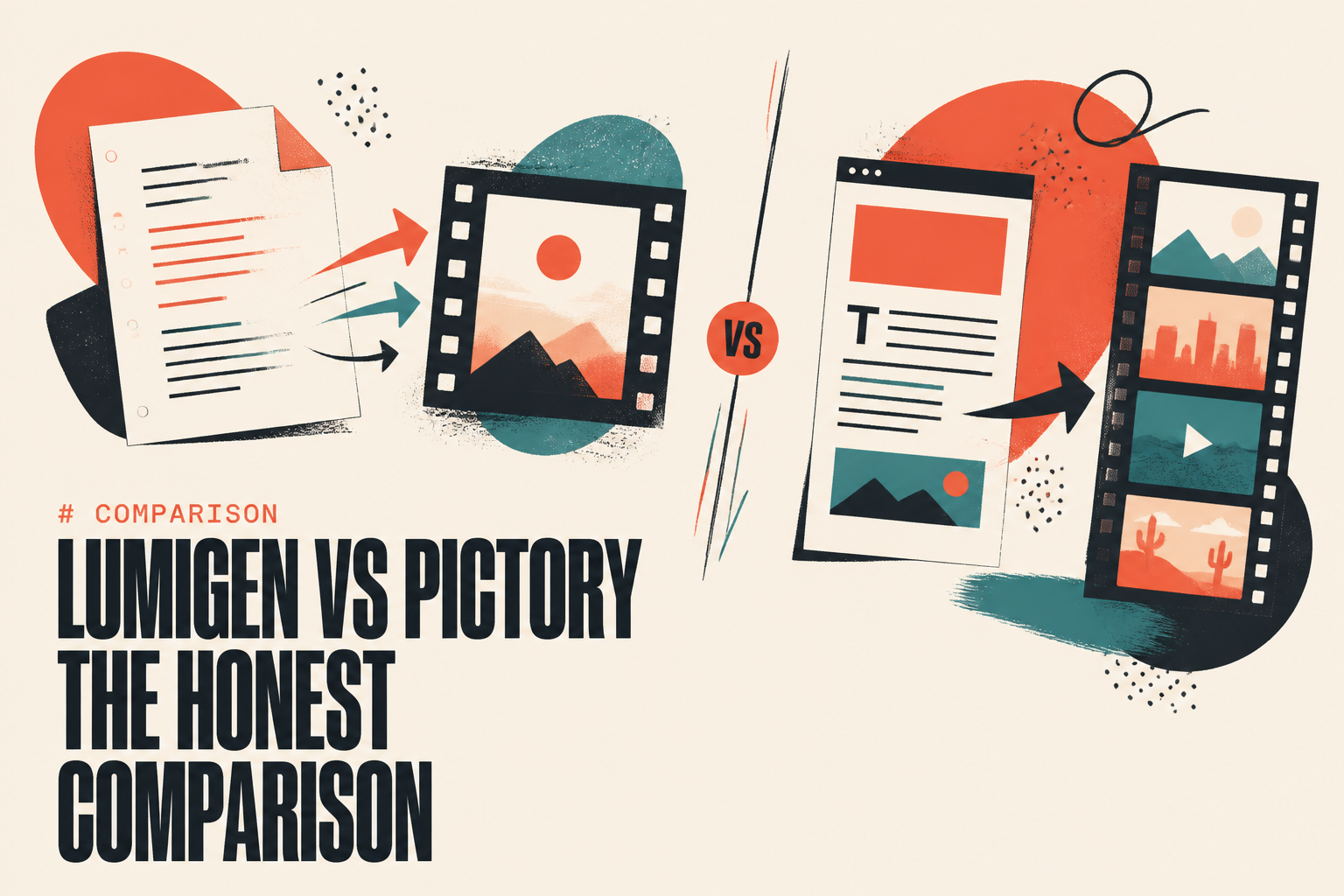
Pick Pictory if your job is fast blog-to-recap with stock visuals and you want a free trial first. Pick Lumigen if you want original generated footage, avatars, voice, and short-form export in one workspace instead of bolting tools together. The deciding factor is usually output: Pictory assembles stock, Lumigen generates. For a full head-to-head, see Lumigen vs Pictory.
The strongest short-form picks are Lumigen and Zebracat, which both export vertical 9:16 with generated scenes and auto-captions rather than stock montages. InVideo AI also handles vertical output. Pictory and Lumen5 can crop to vertical but the stock-clip look is most obvious in fast-scrolling feeds, where original generation reads as more native to the format.
Related reads

Same prompt.
Four models.
One project.
Sora 2, Veo 3.1, Runway Gen-4, Kling 3.0 — side by side, with a free tier that's actually useful for evaluation. Three videos at full quality, no watermark, no minute cap.

Vlad
Founder of Lumigen. Has shipped tens of thousands of generations across Sora 2, Veo 3.1, Runway Gen-4, and Kling 3.0 — and edits everything published here against that hands-on test bed.


