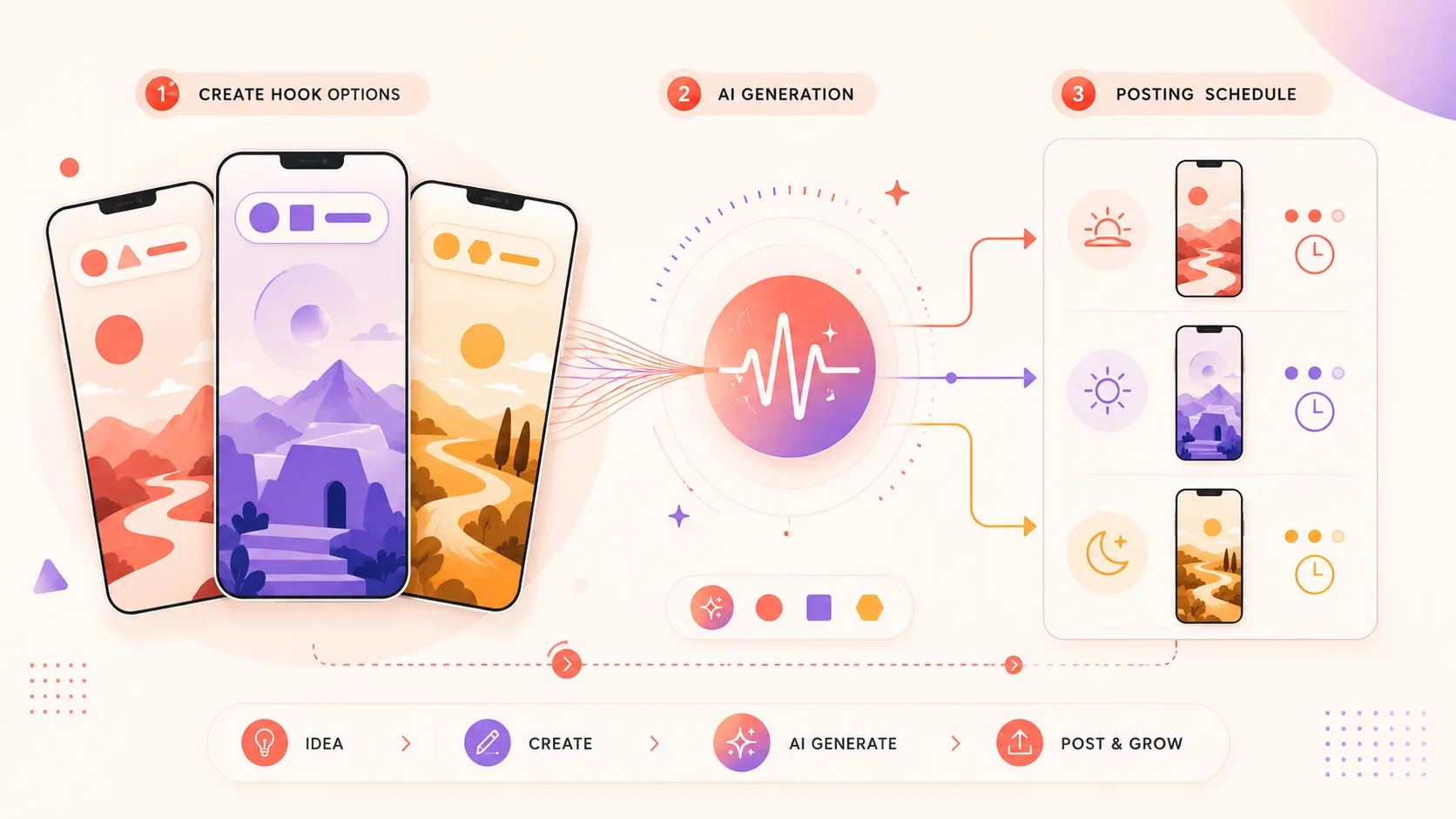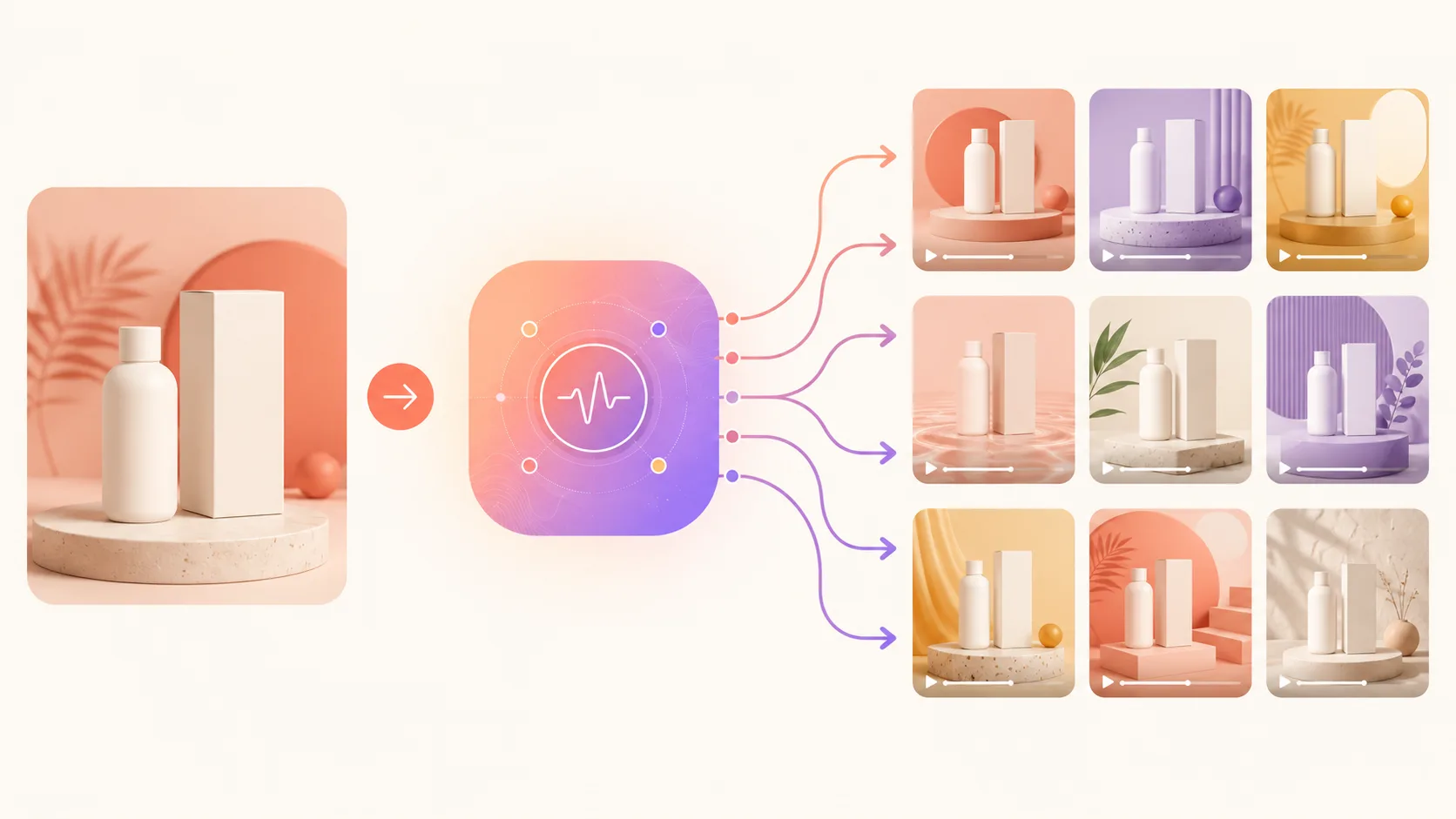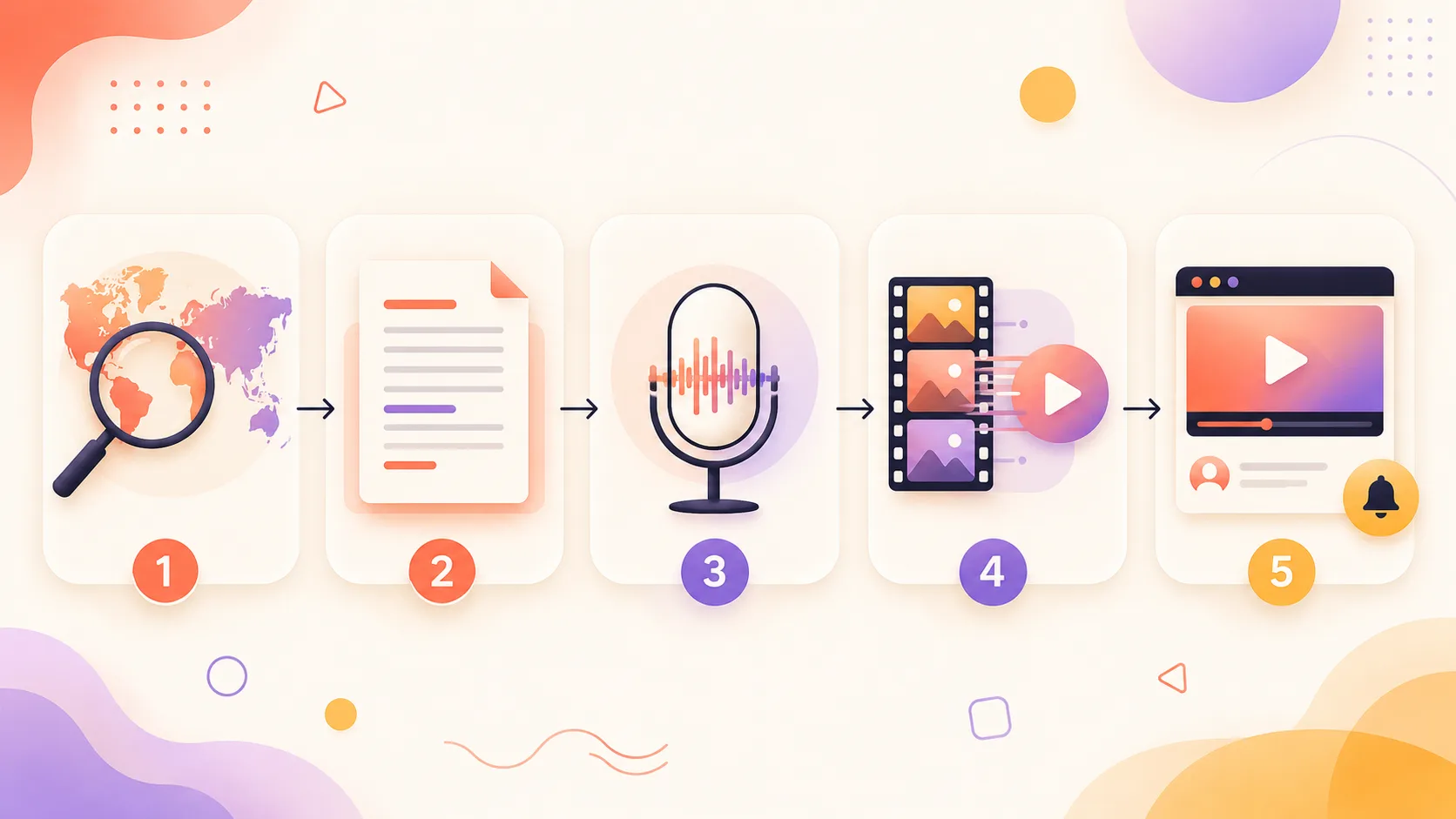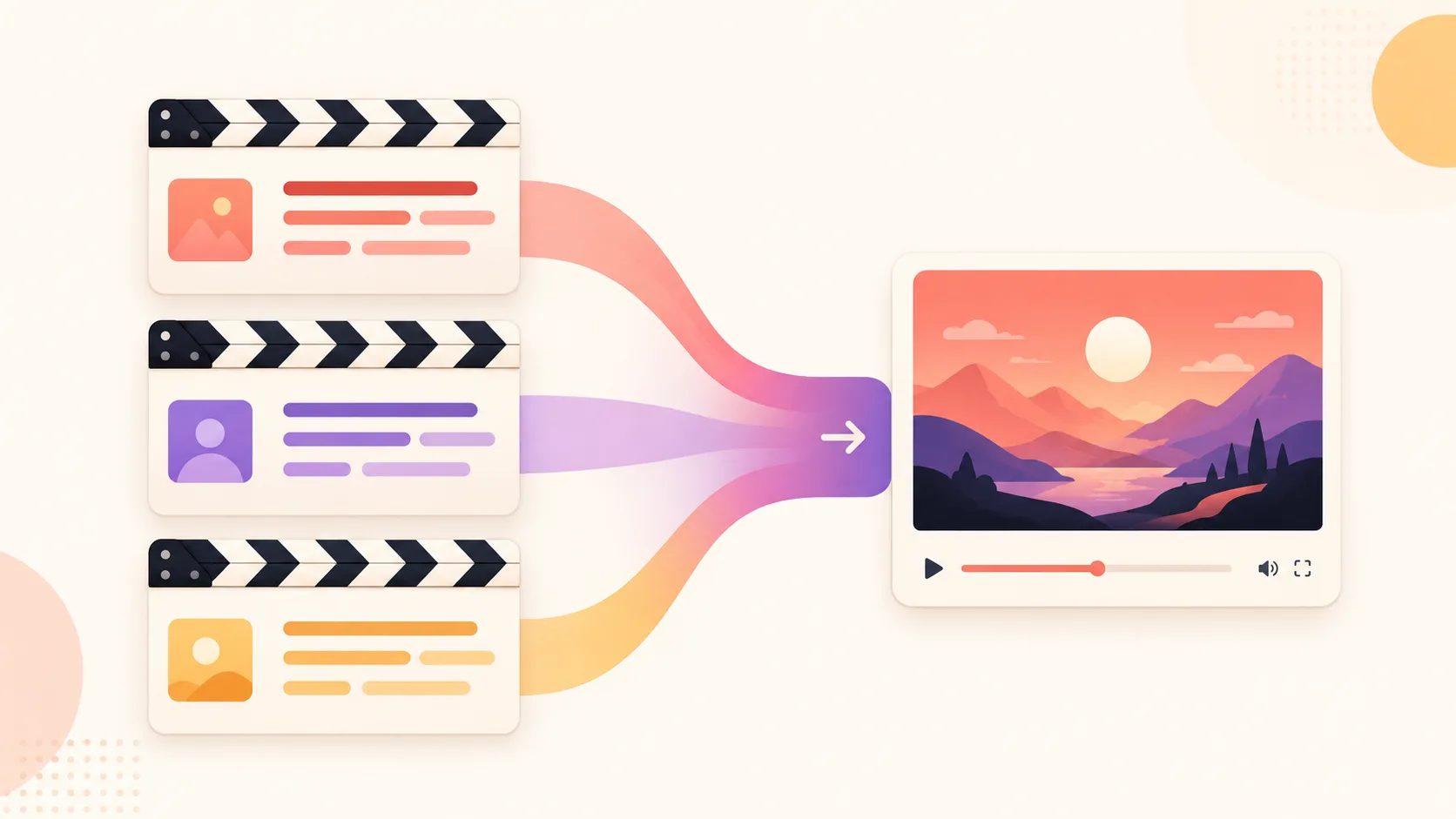
Most AI video prompt collections online are the same 10 prompts in a different order — "epic mountain landscape, cinematic, 4K." Those don't fail because they're wrong. They fail because they're underspecified, and they ignore the fact that Sora 2, Veo 3.1, Runway Gen-4, and Kling 2.1 each respond to a different prompting style.
This is a working library of 55+ prompts tested in May 2026 across the four major models. Each entry has a why-it-works note explaining the mechanic. There's also a nine-clause anatomy breakdown, per-model rules with the same shot rewritten four times, common failure modes with before/after fixes, a remixing playbook, audio-prompting specifics for Veo 3.1, and a small A/B testing protocol.
If you're new to AI video, the beginner's guide to making AI videos covers workflow context. This page assumes you want prompts to paste.
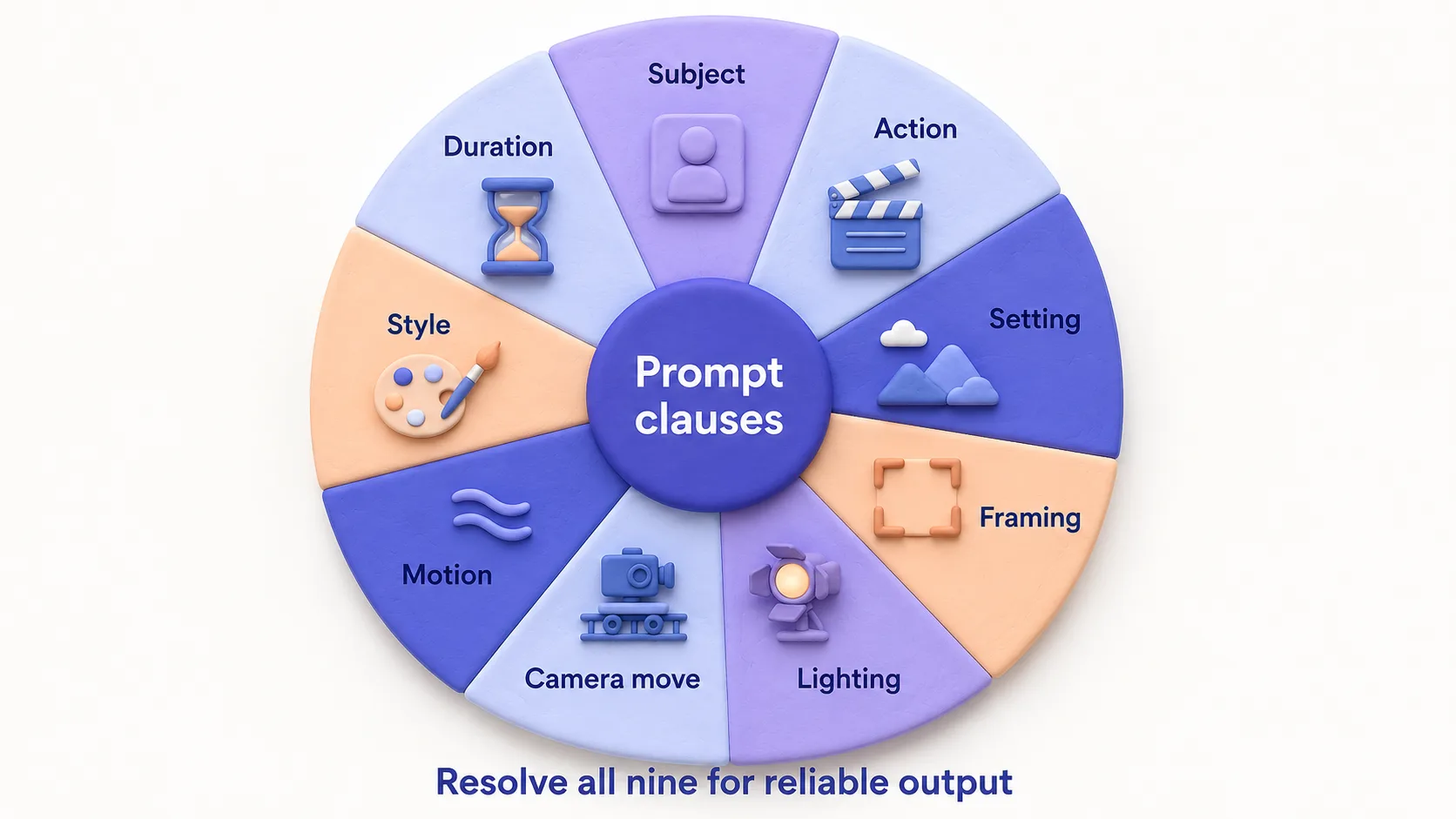
Quick verdict: A reliable AI video prompt resolves nine clauses — subject, action, setting, framing, lighting, camera move, motion, style, duration. Miss two and you get generic output. The sweet spot is 70–120 words for Sora 2, 50–80 for Veo 3.1, 40–60 for Runway Gen-4, 30–50 for Kling 2.1 (which leans on the input image). The library below is structured around that.
Sora 2 status (May 2026): The Sora consumer app shut down April 26, 2026 and the API closes September 24, 2026 (per OpenAI's discontinuation notice). Sora 2 prompts in this library remain accurate for the API window and are useful as historical reference for screenplay-style prompting. For new pipelines, port Sora prompts to Veo 3.1 — the per-model section below covers how each model reads the same shot.
The anatomy of a prompt that works
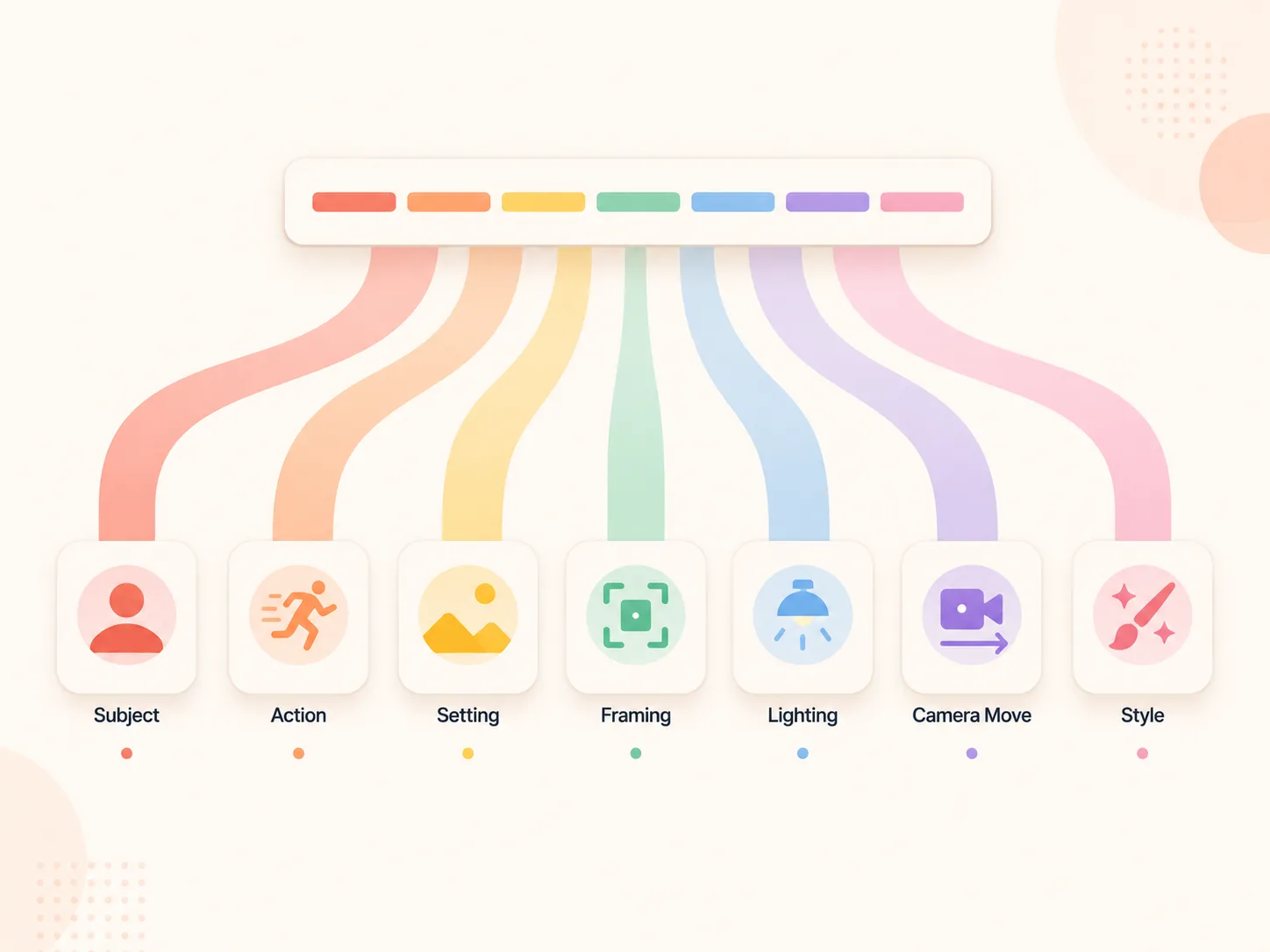
Every reliable video prompt resolves nine degrees of freedom the model would otherwise pick at random. Skip three and you get an "AI video" that looks like an AI video.
- Subject — one named entity with two distinguishing details (age, clothing, expression).
- Action — what they're doing, present continuous, one clear verb.
- Setting — where and when (time of day, weather, indoor/outdoor).
- Framing — wide, medium, close-up; lens length (24mm, 35mm, 50mm, 85mm).
- Lighting — direction, quality, colour temperature.
- Camera movement — static, push-in, dolly, tracking, handheld, drone — or explicitly "no camera movement."
- Subject motion — micro (blink, head tilt) or macro (walks across frame). "Subject does not move" is a valid choice.
- Style — photorealistic, anamorphic, documentary, 2D flat, anime, claymation. Reference directors when relevant.
- Duration & aspect — 4s / 6s / 8s; 16:9, 9:16, or 2.39:1.
Underspecified vs specified, same shot:
"A woman walking on a beach at sunset, cinematic, 4K." (18 words → camera does whatever it wants.)
vs. "Wide tracking shot, 35mm lens, of a 30-year-old woman in a linen dress walking left-to-right along a black-sand beach at golden hour. Warm directional sunlight from camera-right, long shadow. Camera tracks beside her at walking pace. 8 seconds, 2.39:1, photorealistic." (44 words → usable on attempt one or two.)
Sweet spot: 70–120 words for Sora 2, 50–80 for Veo 3.1, 40–60 for Runway Gen-4, 30–50 for Kling 2.1 — see the table in the next section for the full breakdown.
Per-model prompt rules: the same shot, four ways
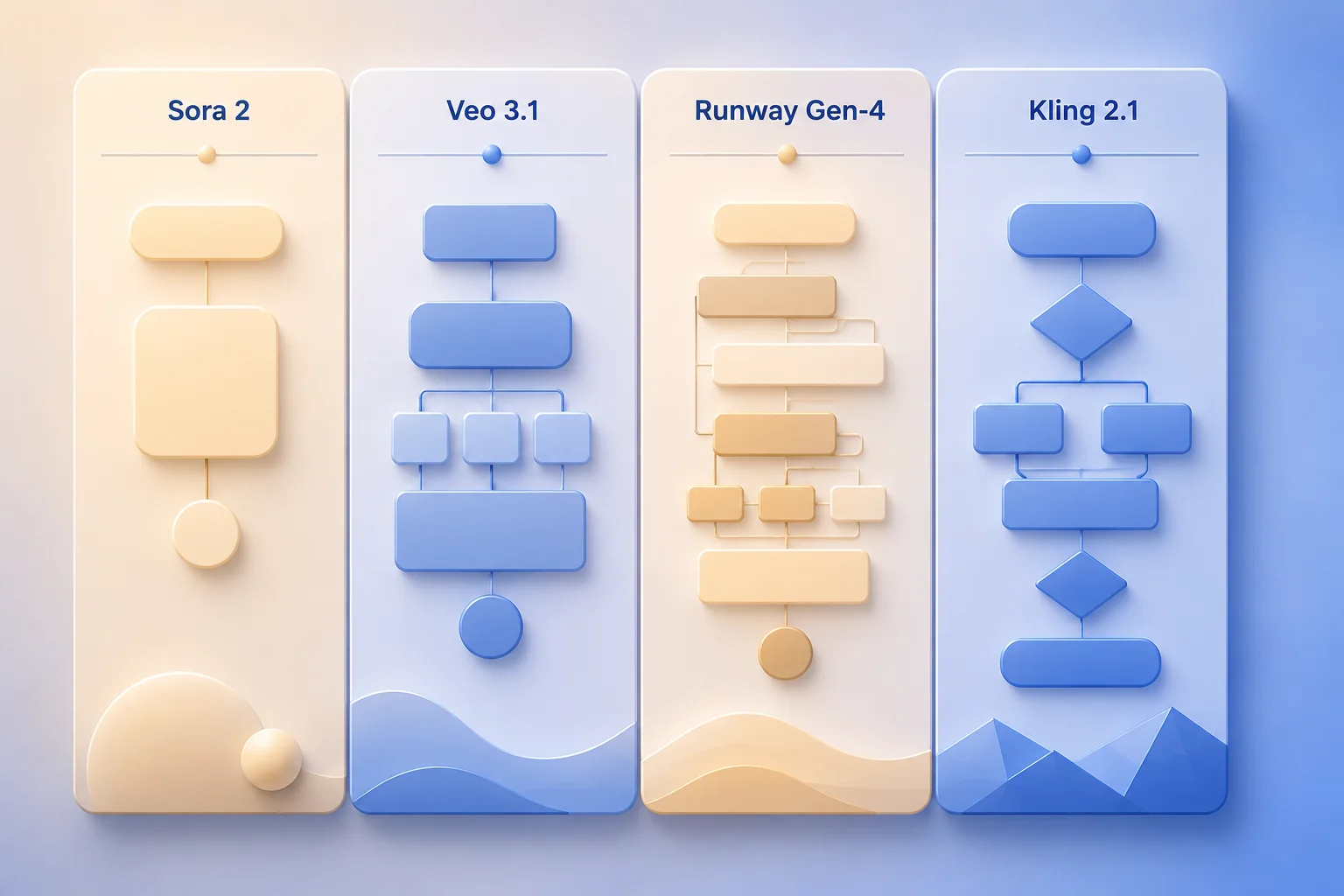
Sora 2, Veo 3.1, Runway Gen-4, and Kling 2.1 each have a distinct prompting personality. Below is the same shot — a barista pulling an espresso at dawn in a small Tokyo coffee bar — rewritten for each.
Sora 2: long descriptive prose, scene-as-screenplay
The OpenAI cookbook explicitly recommends scene / cinematography / action / dialogue / sound blocks — layered, not packed into one sentence.
"Scene: Interior, small Tokyo coffee bar, just before dawn. Wooden counter, copper espresso machine glowing.
Cinematography: 35mm lens, medium shot, locked-off camera. Shallow depth of field, warm tungsten pendant overhead, cool blue ambient from the street.
Action: A 40-year-old Japanese barista in a black apron tamps the portafilter twice, locks it in, presses the button. Espresso streams in two amber lines into a white cup over 4 seconds. Steam rises gently.
Sound: Low hum of the machine, distant city ambience, no dialogue.
Style: 4 seconds, photorealistic, IMAX-scale clarity, Roger Deakins-style lighting."
~85 words. Sora 2 absorbs it.
Veo 3.1: shorter cinematic shot, audio cues inline
The Google DeepMind guide recommends [cinematography] + [subject] + [action] + [context] + [style and audio] plus duration, aspect, and negatives.
"Cinematic medium shot, 35mm lens, shallow depth of field, of a 40-year-old Japanese barista in a black apron tamping and pulling a double espresso at dawn in a small Tokyo coffee bar. Warm tungsten pendant, cool blue ambient from the street, copper machine glowing, gentle steam. 4 seconds, 16:9, photorealistic. Audio: low hum of espresso machine, faint distant traffic, no dialogue."
~65 words. The explicit "Audio:" tag matters — Veo 3.1 generates native sound, and naming the few elements that matter (rather than packing in many) gives you control.
Runway Gen-4: structured shot list, motion-first
Runway's Gen-4 guide says to name the camera move first, then subject behaviour, using simple pronouns. Skip elaborate scene-setting; Gen-4 is strongest in image-to-video and the input image carries the scene.
"Static medium shot. The camera holds steady. The subject tamps the portafilter twice, locks it in, presses the button. Espresso flows into a white cup. Subtle steam rises. Warm tungsten from above, cool ambient from behind. 4 seconds, photorealistic."
~45 words. Gen-4 struggles if you ask for both complex camera and complex subject motion — pick one.
Kling 2.1: image-first, prompt as motion direction
Kling 2.1 is strongest as image-to-video. The text prompt should describe what changes from the still — motion, camera, lighting evolution — not the scene itself.
"Slow dolly-in over 4 seconds. Subject tamps portafilter, locks it in, presses the button. Espresso begins flowing at second 2. Steam rises from second 3. Warm tungsten constant. Photorealistic, no cuts."
~35 words, all about change over time. Paste a Sora-style screenplay into Kling and it gets confused. Image-to-video is where Kling beats the others on character consistency.
| Model | Prompt length | Style | Strongest at | Native audio |
|---|---|---|---|---|
| Sora 2 | 70–120 words | Screenplay blocks | Long descriptive scenes, dialogue | Yes |
| Veo 3.1 | 50–80 words | Single cinematographic sentence + audio clause | Cinematic shots, ambient sound | Yes |
| Runway Gen-4 | 40–60 words | Structured camera + subject pronouns | Motion control, image-to-video | No |
| Kling 2.1 | 30–50 words | Motion-and-camera deltas (vs. input image) | Image-to-video, character consistency | No |
For deeper trade-offs by model, the Sora vs Veo vs Runway vs Kling comparison covers fidelity, audio, character consistency, and pricing. That's the hub post for "which model" questions.
Common failure modes (and how to fix them)
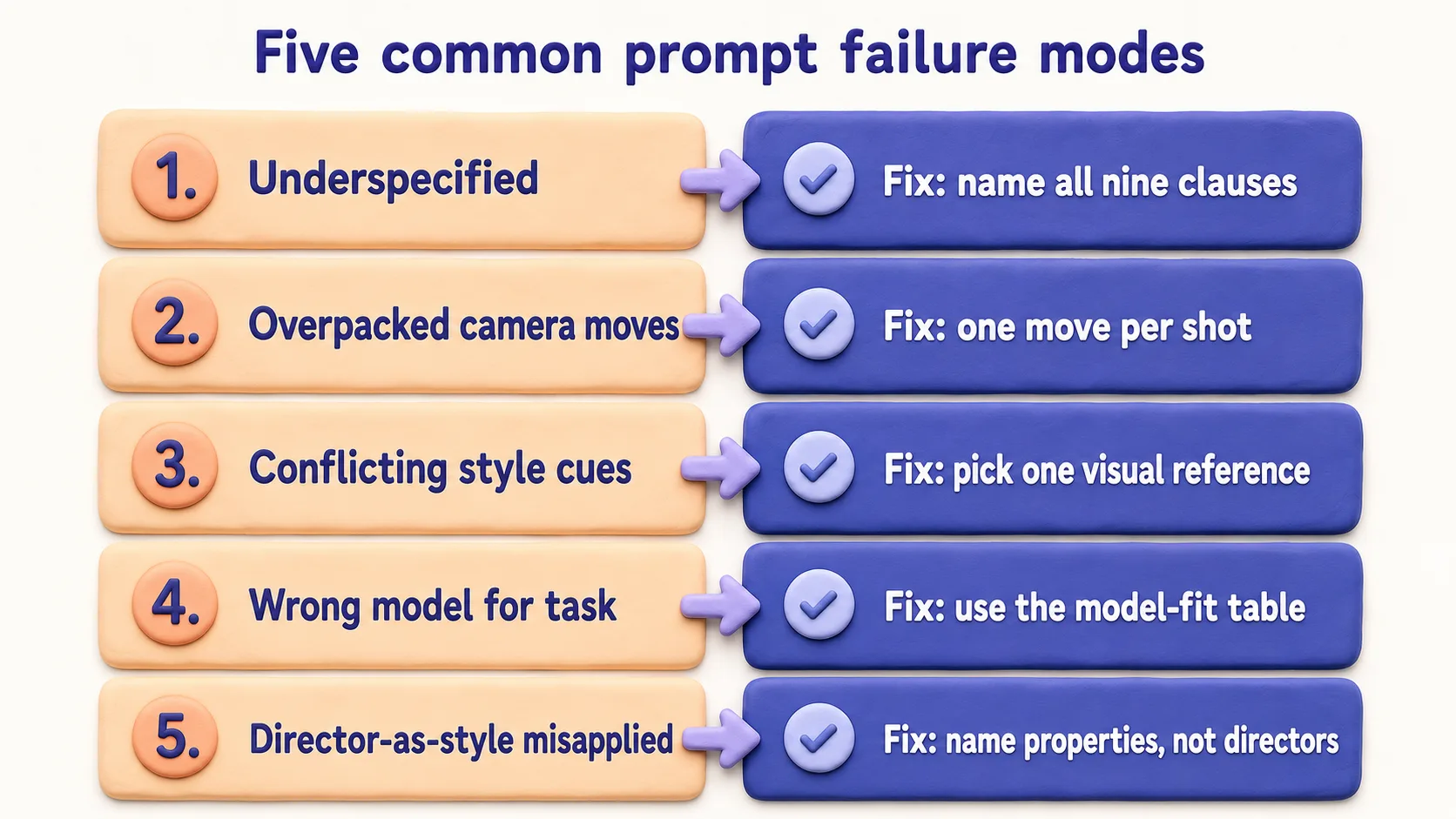
Five mistakes account for most "why does my prompt look bad" cases.
1. Too long with contradictory clauses. Models lose the plot past 100–150 words. They also fail when clauses fight each other — "fast handheld, slow contemplative, locked-off." Pick one direction per axis. Fix: rewrite each clause with a single direction.
2. Missing motion specification. If you don't tell the model what's moving, it picks — usually the camera. A static product shot prompt without a motion clause adds an unwanted push-in most of the time. Fix: append "No camera movement. Subject is static."
3. Wrong aspect ratio framing. Asking for a wide cinematic landscape and setting 9:16 produces an awkward sliver. Fix: build the composition for the aspect ratio — "Vertical 9:16 aerial drone pushing forward over a coastline, ocean filling lower half, cliff line upper half."
4. Style cues that conflict with the model. "Wes Anderson" works on Sora 2 and Veo 3.1; on Runway and Kling, name the visual properties (symmetric framing, pastel palette, centred subject) instead of the director.
5. Asking for text the model can't render. Past 4–5 characters, video models produce gibberish often enough that it's not worth the gamble. Fix: prompt with "no text on screen" and add real text in your editor. Single digits (1, 2, 3) render reliably, which is why prompt #28 uses them.
How to read this library
Each entry has paste-ready prompt text (replace bracketed placeholders), a why-it-works note explaining the mechanic, and where useful, swap-in variations. All prompts are model-agnostic unless flagged.
Category 1: Ad prompts (8 prompts)
For paid social — TikTok, Reels, Meta in-feed, YouTube pre-roll. Hooks in the first 1.5s, motion that survives compression, CTAs that survive sound-off viewing.
1. Hook-led product reveal
"Macro close-up on product sitting on a smooth concrete surface, warm directional light from upper left. Slow push-in over 4 seconds, then product slowly rotates 90° to reveal the brand logo on the side. Shallow depth of field. Photorealistic, commercial product photography style. No text on screen."
Why it works: The push-in plus the reveal plus the rotation give the editor three usable cuts from a single generation. "No text on screen" prevents invented on-product copy. Variations: swap "concrete" for "marble" (luxury) or "raw oak" (artisan); "rotates 90°" for "180°" (full reveal).
2. Lifestyle UGC-style shot
"Handheld phone-style shot of a 20-something person picking up product from a kitchen counter, casual morning lighting through a window, slightly imperfect framing. Natural micro-movement, not stabilised. 9:16 vertical, 5 seconds, no cuts."
Why it works: "Handheld phone-style" plus "imperfect framing" plus "not stabilised" actively suppresses cinematic defaults. UGC ads consistently outperform polished ads in 2026 paid social — the prompt has to fight the model's instinct to over-polish.
3. Problem/solution split-screen
"Split-screen vertical 9:16. Left: frustrated person at a cluttered desk piled with paper. Right: same person at a clean desk smiling, holding product. Both shots locked off, identical lighting, 5 seconds. Photorealistic."
Why it works: "Identical lighting" and "locked off" enforce visual continuity — the single hardest thing for split-screens to get right.
4. Demo motion
"Locked-off shot of product on a white seamless backdrop, soft top-down lighting. Object floats and slowly rotates 360°, gentle pace, 6 seconds. Subtle drop shadow on backdrop. No camera movement."
Why it works: "No camera movement" plus "object floats" tells the model the motion budget belongs to the product. Without that, generations often add unwanted dolly motion.
5. Before/after transformation
"Single continuous shot. Subject in a messy room, dim grey light. Subject claps hands once. Cut on the clap to the same subject in the same room, now bright and tidy, sun streaming in. 6 seconds total. Match cut on hand position."
Why it works: Naming the cut moment ("on the clap") and the match ("hand position") gives the model an editorial anchor — dramatically reduces warping at the cut.
6. Testimonial-style talking head
"Medium close-up, eye-level, of a 35-year-old demographic sitting in a softly-lit home office, casually saying scripted line. Natural blink rate, slight head movement, warm afternoon light. 8 seconds. Photorealistic."
Why it works: "Natural blink rate, slight head movement" suppresses the unblinking-statue default. For full-quality talking head, an avatar tool is still better — see Synthesia alternatives.
7. Hook with text-out-of-frame implication
"Tight medium shot of subject reacting to something off-screen with a delighted expression. Bright daylight, clean modern interior. 3 seconds, no cuts. Subject looks toward the lower right of frame."
Why it works: Most paid-social hooks need a reaction shot. Generating the reaction independently and editing in the "thing being reacted to" beats trying to generate both.
8. Pattern-interrupt opener
"Single locked-off shot. Unexpected object sits on a plain table. After 1 second, the object suddenly becomes related product. Soft studio lighting, white background, 4 seconds, no camera movement."
Why it works: Generative models handle morph transformations better than hard cuts — this leans into a strength.
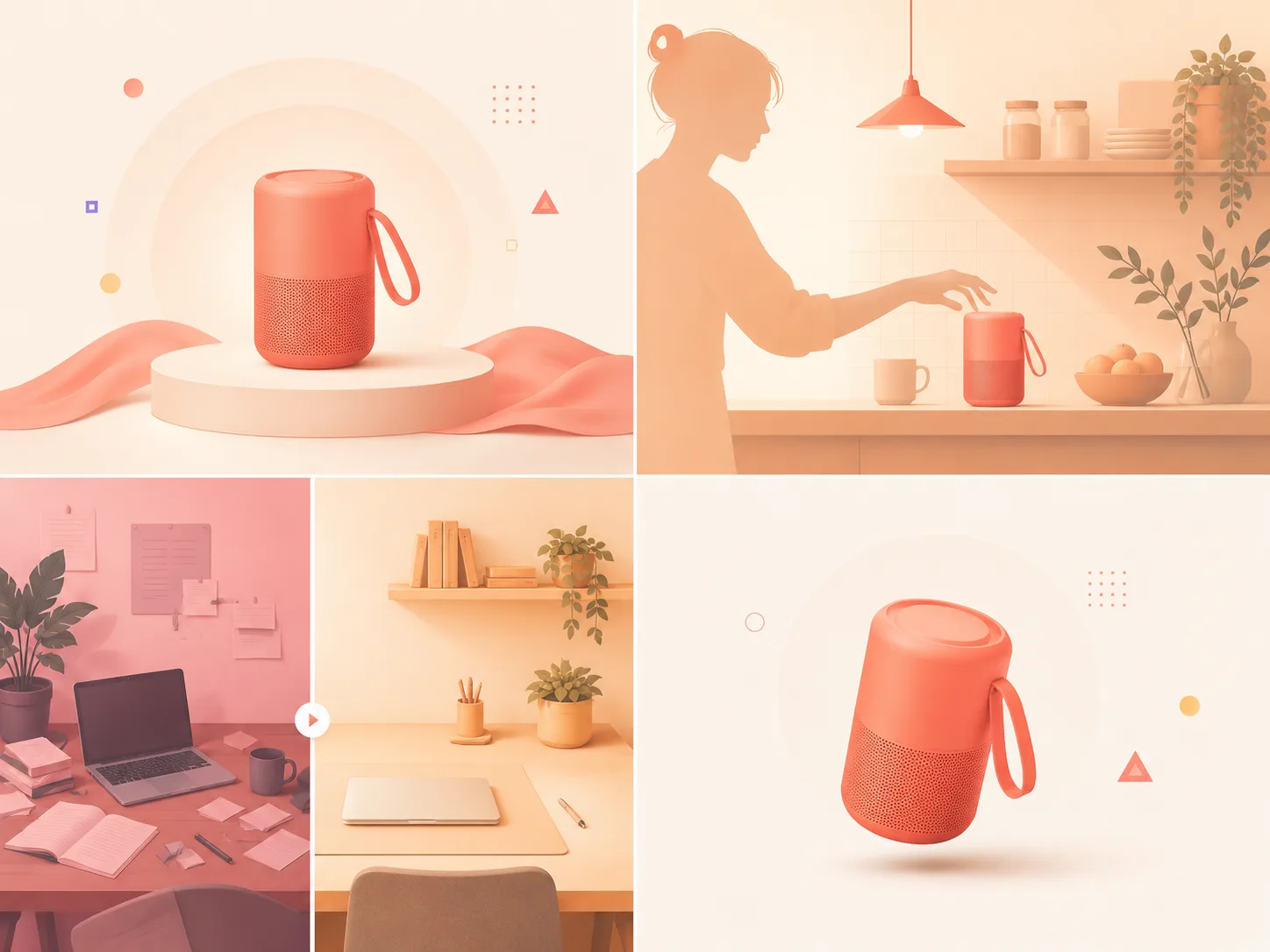
If you're producing ads at volume, the AI video ads for ecommerce playbook covers how to systematise this.
Category 2: Explainer prompts (7 prompts)
For SaaS demos, training videos, course modules. Most "explainer" output in 2026 should still come from avatar tools — see the pillar guide. These are for the b-roll layer around the avatar.
9. Abstract concept b-roll
"Animated 2D illustration in flat editorial style. Concept visualised as metaphor — e.g., flowing water, interconnected nodes, growing plant. Soft pastel palette, gentle continuous motion, 6 seconds, looped."
Why it works: Naming the style ("flat editorial") and motion property ("looped") aligns output with what an editor needs to drop under voiceover.
10. UI demo b-roll
"Screen recording style, fictional product type dashboard, cursor moves smoothly between three buttons, hover state on each. Clean modern UI, neutral colour palette, soft drop shadows. 5 seconds, no real text in the UI."
Why it works: "No real text" prevents the gibberish text that gives away most AI-generated UI.
11. Office-environment establisher
"Wide shot of a modern open-plan office, soft natural light, 3–4 people working at desks in the background. Locked-off camera. Subtle ambient motion only. 6 seconds, no zoom."
Why it works: "Subtle ambient motion only" stops the model from staging dramatic action in what should be a calm contextual shot.
12. Data-visualisation motion
"Clean animated bar chart growing from 0 to its final values over 4 seconds. Three bars, ascending heights, soft brand-friendly colours. Plain white background, no axis labels visible. Smooth easing, no bounce."
Why it works: Generated charts with real data are unreliable; generated chart motion is reliable. Separate the layers — editor adds real numbers on top.
13. Hand-on-laptop establisher
"Medium shot of hands typing on a modern laptop keyboard, soft window light from the left, warm wooden desk surface. Natural typing pace, no face visible. 5 seconds."
Why it works: "No face visible" sidesteps the hardest part of human generation. Hands-on-keyboard is forgiving because micro-warping is hidden by the keyboard texture.
14. Workflow walk-through visual
"Top-down shot of a desk with notebook, coffee mug, and laptop. A hand enters from the right, places a small item on the notebook, then exits frame. Soft overhead lighting, 6 seconds."
Why it works: Top-down framing eliminates parallax-related drift and is one of the most reliable framings in current models.
15. Process metaphor
"Slow-motion ink drop falling into clear water in a glass beaker, side view, soft backlit lighting. Ink blooms into a complex pattern. 6 seconds, no camera movement."
Why it works: Fluid simulation is one of the few areas where 2026 generative video is consistently better than typical stock footage.
Category 3: Cinematic prompts (8 prompts)
For brand films, hero videos, narrative content. Cinematographic language. Strongest on Sora 2 or Veo 3.1.
16. Anamorphic establishing shot
"Wide anamorphic-style shot, 2.39:1 aspect ratio. A lone figure walks across a salt flat at golden hour, long shadow trailing behind. Camera slowly cranes up, revealing the vast empty landscape. 8 seconds, slow pacing, photorealistic, in the style of a Denis Villeneuve film."
Why it works: Naming the director-as-style ("Denis Villeneuve") collapses dozens of decisions about pacing, palette, and framing into one phrase. Strongest on Sora 2 and Veo 3.1.
17. Single-subject portrait shot
"Tight medium close-up of a 50-year-old character, wearing a wool coat, looking directly into the lens. Diffused window light from camera-right, classic Rembrandt triangle on the cheek. Slight micro-expression shift over 5 seconds. 50mm lens, shallow depth of field. No camera movement."
Why it works: "Rembrandt triangle" is a specific cinematography term the model has seen labelled in training data. Specificity beats generic adjectives.
18. Dolly-zoom emotional moment
"Medium shot of a person standing on a city street at night, neon lights blurred behind. Dolly-zoom (vertigo effect) over 4 seconds — camera pulls back while zooming in. Subject remains the same size in frame; background warps. Photorealistic."
Why it works: Naming the effect plus describing the mechanic ("subject same size; background warps") forces the model to commit to the technique rather than approximate it.
19. Slow push-in
"Medium shot of subject in setting. Camera begins as a static medium shot, then slowly pushes in over 6 seconds to a close-up. Subject does not move. Soft directional lighting, 35mm lens, photorealistic."
Why it works: "Subject does not move" prevents animating during a camera move, which is when warping is most visible.
20. Drone reveal
"Aerial drone shot, beginning low over terrain, then rising and revealing larger landscape in the background. Smooth ascent over 8 seconds, golden hour lighting. Photorealistic. No people in frame."
Why it works: Drone shots are well-represented in training data because of YouTube. Models handle them reliably.
21. Handheld documentary
"Handheld medium shot following subject from behind as they walk through setting. Natural breathing-pace camera movement, slight focus drift, available light only. 7 seconds, in the style of a documentary."
Why it works: "Natural breathing-pace" plus "slight focus drift" actively introduces the imperfections that distinguish doc style from narrative film.
22. Locked-off ambient scene
"Locked-off wide shot of environment at time of day. No characters, only environmental motion — leaves moving, light shifting, subtle weather. 8 seconds. Cinematic colour grade, photorealistic."
Why it works: Removing characters removes the highest-failure element. Pure environmental motion is something models do well.
23. Cinematic match cut
"Two-shot sequence. Shot one: tight close-up of a round object — e.g., orange on a wooden table. Shot two: same framing, replaced by related round object — e.g., the sun rising over the horizon. Match cut on shape and position. 6 seconds total. Photorealistic."
Why it works: Match cuts succeed or fail on positional precision. Naming the match property ("shape and position") aligns the model on what continuity matters.
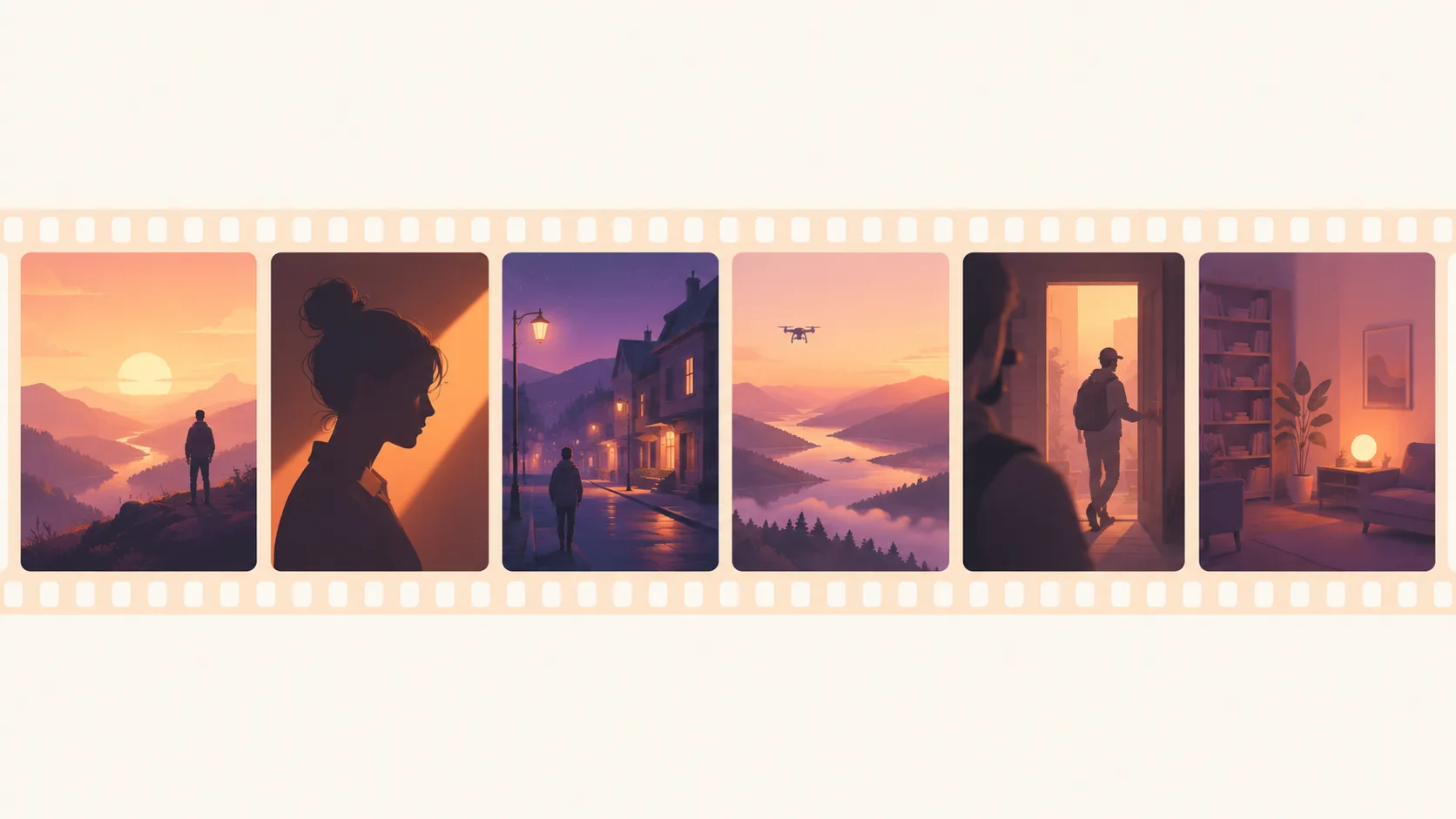
Category 4: Faceless content prompts (7 prompts)
For YouTube automation, narrated explainers, top-of-funnel social. These go under voiceover. Full faceless workflow: How to start a faceless YouTube channel with AI.
24. History/documentary establisher
"Slow drone shot moving over historical setting, soft overcast light, no people visible. Period-appropriate environment, 8 seconds, cinematic documentary style."
Why it works: "No people visible" is critical — period clothing is one of the model's weakest classes.
25. Tech/futurism abstract
"Macro shot of glowing fibre-optic cables pulsing with light, slow rotation, dark background, blue-cyan colour palette. 6 seconds, no text or labels, no camera movement other than rotation."
Why it works: Macro plus rotation plus dark background is a high-reliability combo — minimal subject complexity, controlled lighting, no human variables.
26. Mystery/true-crime tone
"Slow dolly shot down an empty fluorescent-lit hallway at night, locked-off and centred. Cool colour temperature, slight haze. 8 seconds. No people, no signage."
Why it works: Empty space plus consistent lighting plus cool grade reads as foreboding in any narration context. Models handle empty interiors well.
27. Money/finance metaphor
"Top-down shot of stacks of unbranded bills being slowly placed onto a wooden table by a hand entering from the right. Warm directional light, 6 seconds, photorealistic."
Why it works: "Unbranded bills" sidesteps the legal problem of generated currency. Single hand entering keeps human-generation minimal.
28. Listicle-style transition card
"Bold animated number 'N' rising from below a clean off-white background, gentle bounce on landing, soft drop shadow. 2 seconds. Editorial sans-serif typography. No other text."
Why it works: Numbers are one of the few text categories 2026 models render reliably. Used as a number-only bumper, this is a reliable building block for listicle content.
29. Calm/wellness lifestyle
"Slow-motion shot of steam rising from a ceramic mug on a wooden surface, soft window light from the left. Single locked-off shot, 8 seconds, no camera movement, photorealistic."
Why it works: Steam and fluid motion are training-data-rich; controlled lighting is forgiving; no human element means no failure modes.
30. Atmospheric weather shot
"Locked-off wide shot of rain falling on a cobblestone street, single street lamp glowing, no people. Soft cinematic colour grade, 8 seconds, no camera movement."
Why it works: Rain rendering is one of the modelable phenomena where 2026 generative video genuinely competes with stock libraries.
Category 5: Social-native prompts (5 prompts)
For TikTok, Reels, Shorts. Vertical, fast, hook-led. Full social workflow: AI TikTok videos that go viral.
31. POV opener
"First-person POV shot, hands visible at the bottom of the frame, walking into environment. Handheld phone-style movement, natural pacing, 4 seconds, vertical 9:16."
Why it works: First-person POV with hands visible is a TikTok-native framing the model has seen heavily in training data.
32. Pattern-interrupt social hook
"Locked-off close-up on unexpected mundane object. Suddenly the object does something surprising — e.g., morphs, opens, lights up. 3 seconds, vertical 9:16, soft natural light."
Why it works: Pattern interrupts are one of the highest-performing TikTok hook formats. Generate the visual interrupt only; add voiceover separately.
33. Quick cut sequence
"Three-shot rapid sequence at 1 second each. Shot 1: setting wide. Shot 2: detail close-up. Shot 3: reaction medium. Hard cuts, vertical 9:16, consistent lighting and colour, total 3 seconds."
Why it works: Most "quick cut" failures come from generating one long clip and over-cutting in the edit. Naming shot count and per-shot duration produces cleaner cuts.
34. Aesthetic/aspirational lifestyle
"Vertical 9:16 shot of aspirational object/scene in soft golden-hour light. Slow camera drift, dreamy depth of field, muted warm palette. 5 seconds, photorealistic."
Why it works: Soft motion plus warm grade plus shallow DOF is a TikTok aesthetic the model has well-mapped. Effective for high-perceived-value content.
35. Tutorial close-up
"Top-down shot of hands working on task, soft overhead light, vertical 9:16, no face visible. Clean wooden surface, slow deliberate motion. 6 seconds."
Why it works: Top-down plus hands-only is the most reliable framing for instructional content. No face means no character-consistency problems across stitched generations.
36. Transition trick (bonus)
"Vertical 9:16, locked-off medium shot of subject. Subject swipes hand across the camera lens. On the swipe, full background change to new setting, same subject, same framing. 5 seconds total."
Why it works: Hand-swipe transitions are well-labelled in training data because creators have used them for years. Name the trick and the model executes it.

Category 6: UGC product reviews (5 prompts)
UGC is where AI ad performance has caught up to creator-shot footage in mid-2026. The trick is fighting the model's instinct to look polished.
37. Unboxing first look
"Handheld phone-style POV shot, hands holding product just removed from a cardboard box, kitchen counter visible in background, soft window daylight. Subject turns the product slowly to inspect it, slight surprise in the hand movement. 6 seconds, vertical 9:16, slightly imperfect framing, no stabilisation."
Why it works: No face, just hands and product, removes the highest-failure element while preserving the UGC feel. Variations: swap "kitchen counter" for "office desk" (B2B) or "bedroom dresser" (skincare).
38. Mid-use demo
"Selfie-angle handheld 9:16, 28-year-old demographic sitting on a couch in a casual living room, holding product up to camera while talking, natural living-room lighting. Subject demonstrates one feature with a single gesture. 7 seconds, slightly imperfect framing, natural blink rate."
Why it works: "Casual couch" plus "natural living-room lighting" anchors the look. "Single gesture" prevents the model from inventing too many actions in 7 seconds.
39. Honest opinion piece
"Medium close-up, eye-level, of a 35-year-old demographic at a kitchen table, holding product, expression thoughtful but warm. Speaks naturally toward camera with slight pauses. Soft window light from camera-left. 8 seconds, vertical 9:16, photorealistic, natural micro-movement."
Why it works: "Thoughtful but warm" plus "slight pauses" suppresses the over-energetic ad-read tone. For full mouth-sync, an avatar tool is still better — see Synthesia alternatives.
40. Side-by-side comparison
"Vertical 9:16, locked-off medium shot. Two identical product category items side by side on a kitchen counter — left: generic competitor packaging, right: brand packaging. Hand enters from the right, picks up the brand item, holds it up. 5 seconds, soft daylight."
Why it works: "Locked-off" plus "identical packaging" plus the explicit hand-action sequence anchors the model on the compositional decision.
41. Result-reveal close-up
"Tight close-up of a hand holding before-state object, 9:16 vertical. Hand moves the object out of frame, then re-enters with after-state object in the same hand position. Soft daylight, kitchen counter background, 4 seconds. Match cut on hand position."
Why it works: "Same hand position" plus "match cut on hand position" tells the model continuity matters. Hands are forgiving territory when faces aren't in the shot.
Category 7: Talking-head avatar scripts (4 prompts)
Avatar tools (Synthesia, HeyGen, Captions) handle full-fidelity talking heads better. These are tuned for short, low-stakes shots — ad hooks or social bumpers.
42. Direct-to-camera ad hook
"Tight medium shot, eye-level, of a 30-year-old demographic, leaning forward casually, looking directly into camera with a slight raised-eyebrow expression. Soft daylight from camera-left, blurred home interior. Lips move as if mid-sentence. 4 seconds, 9:16. Audio: ambient room tone, no spoken dialogue."
Why it works: Asking for visible-but-vague lip movement and adding real audio in the editor sidesteps the lip-sync failures that haunt short generated clips. For real talking-head video, HeyGen alternatives covers the tools. Variations: swap "raised-eyebrow" for "knowing smile" or "wide-eyed surprise."
43. Authority-positioned shot
"Medium shot, eye-level, of a 45-year-old demographic in a clean office or lab background, professional but unstuffy clothing. Subject speaks slowly with measured hand gestures. Diffused overhead light, slight key from camera-right. 6 seconds, photorealistic, natural blink rate."
Why it works: "Measured gestures" plus "speaks slowly" suppresses the rapid-fire ad-read default. Authority reads as calm.
44. Casual aside / relatable moment
"Selfie-angle handheld 9:16, 25-year-old demographic sitting on a couch in a softly-lit bedroom, looking into camera mid-thought. Subject lightly shakes head, then half-smiles, then speaks. Natural micro-movement throughout. 5 seconds, slightly imperfect framing."
Why it works: "Mid-thought" plus the action sequence (shake, smile, speak) gives the model a beat-by-beat structure that avoids the dead-eyed default.
45. Two-person dialogue cutaway
"Two-shot wide, two 30-year-olds sitting across from each other at a café table, both in profile. Subject A leans in saying something, Subject B reacts with a laugh. Soft window light from camera-left. 5 seconds, photorealistic."
Why it works: Naming both subjects, both actions, and the relationship ("A leans in, B reacts") anchors the model on each character's behaviour. Two-shots are harder than singles, so spell it out.
Category 8: Anime / stylized prompts (4 prompts)
Sora 2 and Veo 3.1 produce cleaner anime. Runway and Kling can be coerced with strong style reference images.
46. Studio Ghibli-style scene
"Hand-drawn 2D animation, Studio Ghibli aesthetic. A character stands on a hillside at sunset, wind moving through tall grass and her hair. Camera slowly pushes in over 5 seconds. Soft watercolour palette, warm orange and gold tones, gentle grain. No dialogue."
Why it works: "Studio Ghibli" collapses dozens of stylistic decisions into one phrase. "Watercolour palette" and "gentle grain" reinforce in case the model under-commits.
47. Cyberpunk anime city
"Anime style, cyberpunk neon-lit city street at night, rain falling, reflections in wet asphalt. Wide medium shot, low angle, camera tracks slowly forward. Glowing signs in unreadable script, no people visible. 6 seconds, in the style of Akira."
Why it works: "Akira" is canonical. "Unreadable script" sidesteps the gibberish-text problem on neon signs.
48. Action anime fight cutaway
"Anime 2D animation, dynamic action cutaway. Close-up of a character gripping a weapon, wind blowing, intense expression. Camera locked, subject still for 2 seconds, then sudden quick zoom. 4 seconds, high contrast lighting, in the style of Shōnen anime."
Why it works: The "still for 2 seconds, then sudden zoom" structure mirrors actual anime action editorial patterns. Naming the editorial beat is what makes the style read.
49. Claymation / stop-motion
"Stop-motion claymation style, 24fps slight stutter, of subject — e.g., a small clay character walking across a wooden table toward a clay teacup. Top-down to eye-level, soft warm overhead light, 6 seconds. In the style of Aardman Animations."
Why it works: "24fps slight stutter" is a technical cue the model interprets correctly. "Aardman Animations" is canonical.
Category 9: Documentary / cinematic B-roll (4 prompts)
For long-form YouTube, brand documentaries, editorial. These intercut with real interview footage without standing out.
50. Slow archive-style pan
"Slow horizontal pan left to right across scene — e.g., empty workshop with vintage tools. Soft overcast natural light, no people visible. 8 seconds, photorealistic, slight film grain, muted colour grade."
Why it works: "Slight film grain" plus "muted grade" plus "slow pan" reproduces doc-style cinematography signatures.
51. Interview-room cutaway
"Wide locked-off shot of an empty room set up for an interview — single chair, soft key from the left, window in background, microphone on a stand. No people. 6 seconds, soft warm tones, photorealistic."
Why it works: Empty-rooms-with-purpose are an easy generative win. The model handles inanimate scenes with implied human presence well.
52. Hands-and-craft close-up
"Tight macro shot of weathered hands working on craft — e.g., shaping clay, sharpening a chisel, threading a needle. Soft warm directional light, shallow depth of field, slow deliberate motion. 7 seconds, no face visible, photorealistic."
Why it works: Macro plus craft detail plus "weathered hands" gives strong textural cues. Weathering hides the soft-skin tells of generated humans.
53. Environmental establishing shot
"Wide drone-style aerial, slowly drifting forward over landscape — e.g., a foggy coastal village at dawn. Soft natural light, no people visible. 8 seconds, photorealistic, slight grain, muted documentary grade."
Why it works: Documentary-grade colour and slight grain pull the shot out of the over-saturated AI default and into something that intercuts cleanly with real footage.
Category 10: Brand commercials (4 prompts)
For 15s and 30s spots that feel like real campaigns. Sora 2 and Veo 3.1 strongest.
54. Hero product on plinth
"Cinematic medium shot, 50mm lens, of product on a minimal black plinth in a softly lit studio. Slow 180° camera arc over 6 seconds. Single warm key from upper-camera-right, cool fill from camera-left. Black background. Photorealistic, IMAX-scale clarity."
Why it works: "180° camera arc" plus the specific lighting setup ("warm key, cool fill") commits the model to a real cinematographer's approach. "IMAX-scale clarity" is a Sora 2-recognised quality flag.
55. Lifestyle-with-product narrative
"Wide medium shot of a 30-year-old demographic in a setting — e.g., sunlit kitchen casually using product as part of a routine. Soft directional natural light. Slow push-in over 6 seconds while subject continues their routine uninterrupted. Photorealistic, in the style of a contemporary brand commercial."
Why it works: "Routine uninterrupted" prevents the model from staging a fake performative interaction. "Contemporary brand commercial" frames the stylistic priors.
56. Atmospheric brand mood piece
"Cinematic montage-style single shot. Slow sideways tracking through a brand environment — e.g., sunlit modern kitchen. No people, only environmental motion: light shifting, dust in the air, a curtain moving. 8 seconds, soft warm grade, in the style of an Apple commercial."
Why it works: "Apple commercial" is a clear stylistic anchor most models recognise. Removing humans removes failure modes; environmental motion alone reads as confident, premium pacing.
57. Logo-reveal final beat
"Locked-off medium shot, plain matte off-white background. Camera fully static. Subtle abstract motion (e.g., light ripple, soft particles) plays for 3 seconds, then settles. Center frame empty. 4 seconds, soft cool grade. No text on screen."
Why it works: Motion-with-empty-center gives you an editorial canvas for a real logo. This is how every AI-assisted commercial in 2026 handles its logo reveal.
Category 11: Educational / explainer (4 prompts)
For online courses, training content. Tuned for clarity under voiceover.
58. Whiteboard-style hand drawing
"Top-down shot of a hand holding a black marker, drawing a simple diagram — e.g., flowchart, three-circle Venn, arrow diagram on a white whiteboard. Slow steady drawing motion, 8 seconds. Soft overhead light, no face visible. No real text on the whiteboard."
Why it works: "No real text" sidesteps the gibberish-text problem. Shapes (circles, arrows) render reliably; words don't.
59. Concept visualization with object metaphor
"Macro shot of physical metaphor — e.g., a single domino tipping over, three stacked stones, water pouring from one cup to another. Soft directional light, plain neutral background, 6 seconds, photorealistic. No camera movement."
Why it works: Physical metaphors are reliable because the actions (tipping, pouring, stacking) are training-data-rich, and macro framing keeps the subject contained.
60. Process step-through
"Top-down shot of a clean wooden surface. Three small numbered cards (1, 2, 3) appear in sequence left to right, one per second, each with a soft drop. Soft overhead light, 4 seconds. Single-digit numbers only, no other text."
Why it works: Single digits render correctly across all four major models. Sequenced object-appears-on-surface is a reliable motion pattern.
61. Lab / scientific visual
"Macro shot of clear liquid being slowly poured from a glass beaker into a petri dish, soft cool overhead light, dark neutral background. Liquid creates a slow spreading pattern. 6 seconds, photorealistic, no labels, no camera movement."
Why it works: Fluid plus controlled lighting plus no humans is a high-success combination, especially for educational content that needs to feel credible.
The remixing playbook
You'll spend most of your time remixing — taking a prompt that worked for someone else and making it land for you. Three rules:
Rule 1: Replace nouns, keep the structure. The nine-clause skeleton is what the model interprets reliably. The noun is incidental. Source: "Macro shot of glowing fibre-optic cables pulsing with light, slow rotation, dark background, blue-cyan palette. 6 seconds, no text, no camera movement other than rotation." → Remix for finance: swap "fibre-optic cables" for "single gold coin" and "blue-cyan" for "warm gold and amber." Everything else identical.
Rule 2: Move clauses, don't delete them. Removed clauses become random. If lighting matters less than camera move, change the lighting clause — don't drop it. Repurpose "soft directional lighting" to "hard top-down sodium-vapour streetlight, harsh shadows" for a noir push-in.
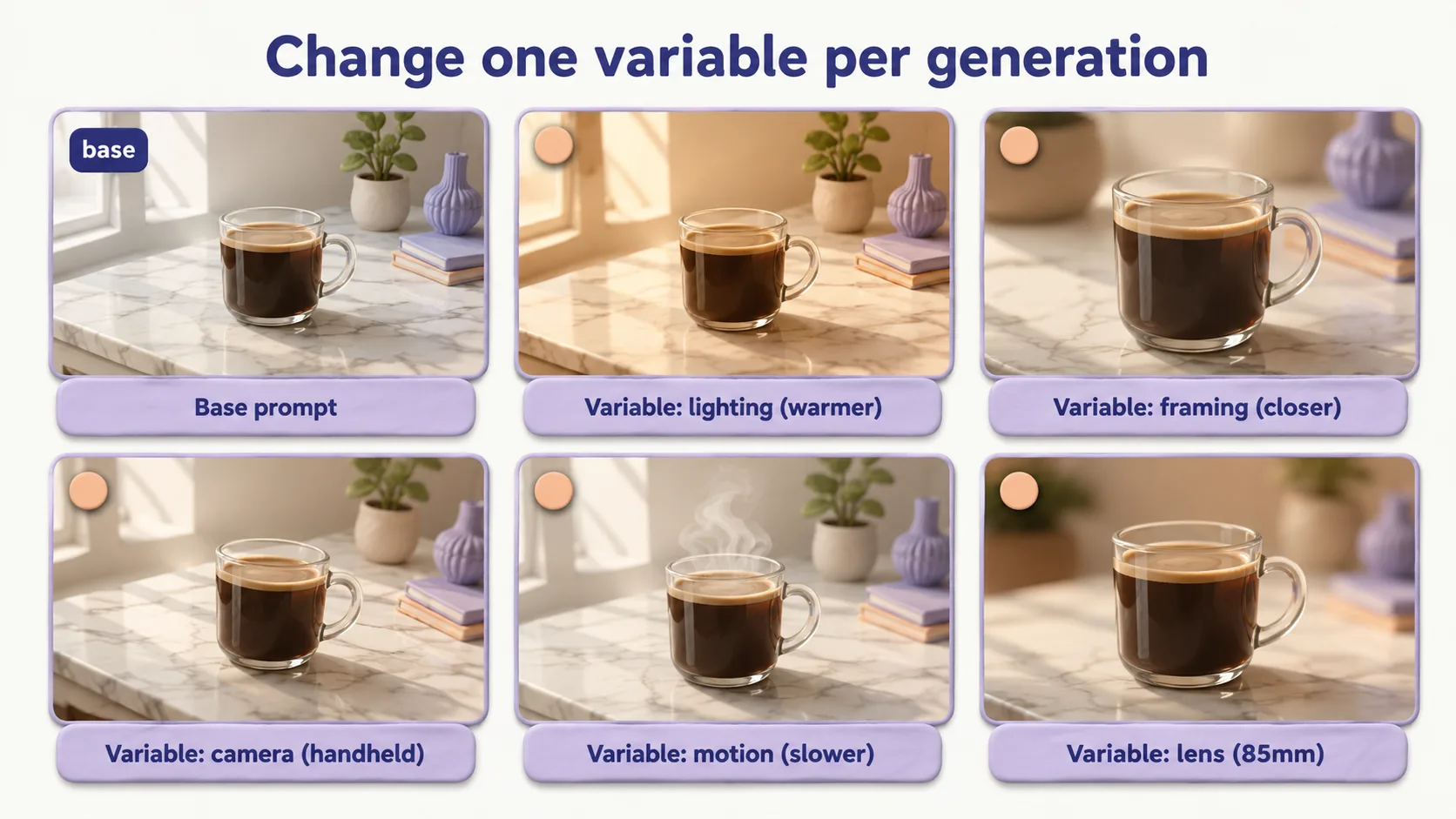
Rule 3: One variable per generation. Starting from prompt #1, test "concrete" vs "marble" surface. Pick winner. Then "warm directional" vs "high-key softbox." Pick winner. Then "90°" vs "180°" rotation. Three iterations, three learnings, one final prompt measurably better than where you started.
If a prompt isn't producing what you want after three runs: framing is wrong for the action, lighting is generic, or the model is wrong for the task — the model comparison post covers the third.

Audio and motion prompting (Veo 3.1 specifics)
Veo 3.1 generates native audio. Sora 2 also generates audio but with less ambient nuance. Runway Gen-4 and Kling 2.1 don't — add audio in post.
Three rules for Veo 3.1 audio, drawn from the Google DeepMind prompt guide and our own testing:
Keep the audio palette small. The official guide recommends defining sounds explicitly across dialogue, SFX, and ambient layers. In practice, packing more than four or five distinct elements into one prompt makes Veo drop cues — pick the ones that matter most.
Use foreground/background language. "Cuts through," "in the distance," "muffled behind" tell the model which sounds matter. Without them it mixes flat.
Lean on emotional environmental audio. "Chirping birds" suggests calm, "wind" implies tension, "echoes" convey isolation. Often a better tonal lever than describing visuals.
Worked example:
"Medium shot, 50mm lens, of a 35-year-old man sitting alone at the end of a wooden pier at dusk, looking at the horizon. Camera dollies forward over 8 seconds. Soft golden light fading to blue, shallow depth of field. Photorealistic.
Audio: foreground low ambient wind cutting through, gentle waves lapping in the middle distance, distant seagulls echoing in the background, no dialogue, no music."
For motion: pair one camera move with one subject action. Veo 3.1 (and especially Runway Gen-4) get confused if both are complex at once. Camera dollies → subject still; subject moves → lock the camera. For Runway or Kling, strip the audio block entirely.
A/B testing your prompts
Rerolling without a method produces inconsistent learning. A small protocol turns 20 generations into actual prompt knowledge.
The protocol: (1) pick a base prompt; (2) list its variables; (3) generate the original, then one variant — fix the seed if your tool supports it; (4) log it (prompt slug, model, seed, variable changed, 1–5 rating, one-line note); (5) next variable, one change at a time. After ~6 tests you have a re-usable internal style guide for that shot type.
Why same-seed matters. All four models produce different output for the same prompt without a fixed seed. Change the prompt and the seed and you can't tell where the difference came from. Lock the seed where you can; otherwise generate three times per variant and average.
When to stop. When your last three variants all rate 4 or 5 and look similar, document the winner and move on.
Where to use these next
The 60+ prompts above are raw material. Use-case guides assemble them into full workflows:
- Ecommerce ads — prompts 1, 2, 4, 7 + UGC layer (37–41). Full workflow: AI video ads for ecommerce.
- Faceless YouTube — prompts 24–30 with TTS narration; layer 50–53 for documentary tone. Faceless YouTube guide.
- TikTok / Reels — prompts 31–36 with hook-driven cutting; layer 37–41 for product UGC. AI TikTok videos that go viral.
- Brand film / hero video — prompts 16–23 and 54–57 in a 60–90 second cut. The 12 best AI video generators covers tool selection — note the tool vs model tier distinction; the model comparison is the model-level deep dive.
- B2B explainer — prompts 9–15 and 58–61 as b-roll under avatar narration. See Synthesia alternatives and HeyGen alternatives for avatar tools.
- Animated / stylized — prompts 46–49 for anime, claymation, Ghibli. Best on Sora 2 and Veo 3.1; weaker on Runway and Kling without strong reference images.
If you want to generate from these prompts without juggling four separate model subscriptions, Lumigen routes the same prompt to Sora 2, Veo 3.1, Runway Gen-4, or Kling 2.1 from one interface — useful for A/B testing the same shot across models.
FAQ
Bottom line
These are the prompts I actually paste. Structured around the nine-clause anatomy, eleven categories, tuned per-model in the rules above. Steal them, adapt with the remixing playbook, A/B test the variants you care about.
For the bigger picture, the beginner's guide is the prerequisite. To compare models head-to-head, Sora vs Veo vs Runway vs Kling is the deep dive.
— Vlad.
Same prompt.
Four models.
One project.
Sora 2, Veo 3.1, Runway Gen-4, Kling 3.0 — side by side, with a free tier that's actually useful for evaluation. Three videos at full quality, no watermark, no minute cap.

Vlad
Founder of Lumigen. Has shipped tens of thousands of generations across Sora 2, Veo 3.1, Runway Gen-4, and Kling 3.0 — and edits everything published here against that hands-on test bed.